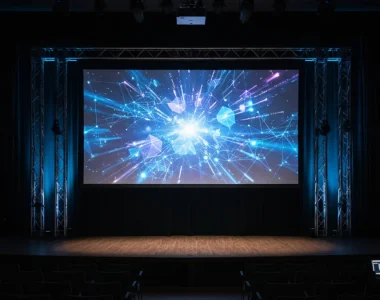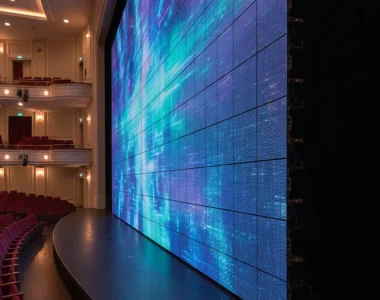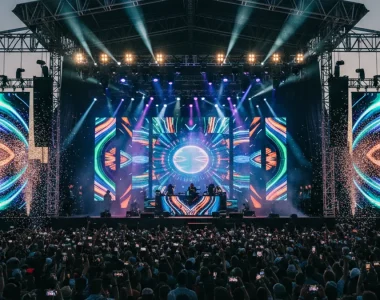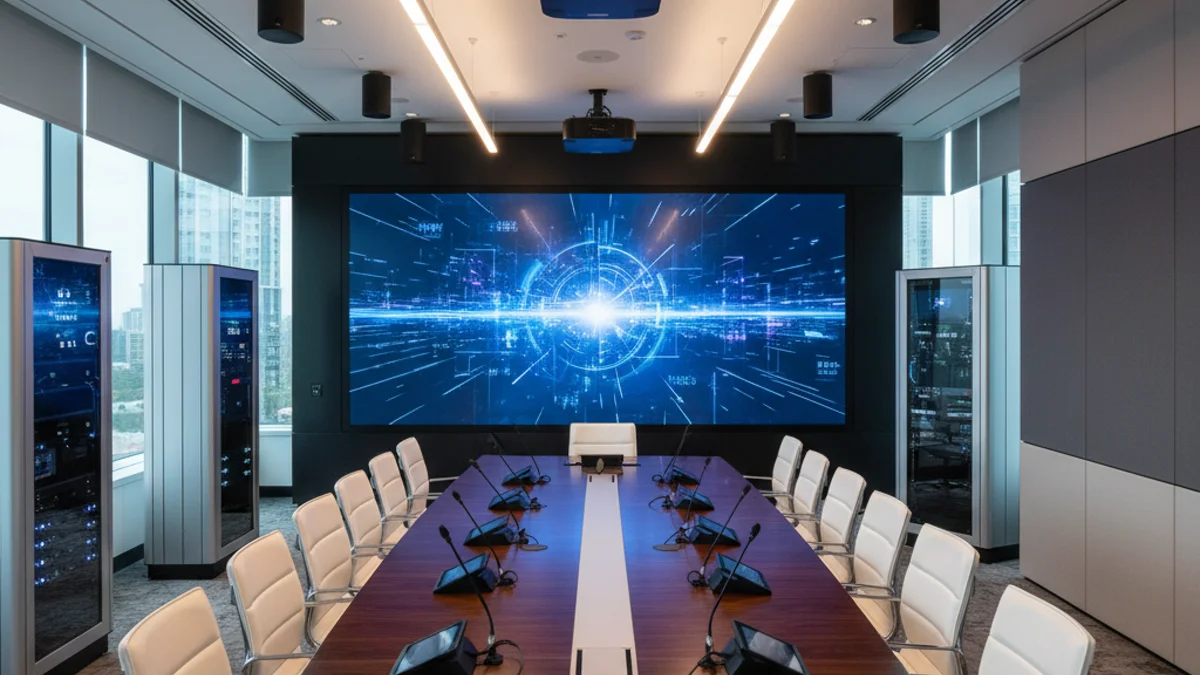
A conference room that works is not the same thing as a conference room that looks good on the architect’s render. The pain point is almost always the same: someone signs off on a permanent AV install, then discovers two years later that the room layout has changed, the display is too small for the seating depth, and the cable run cannot reach the new table position. The other path — bringing in rental LED screens in Paris for a specific event window — solves a different problem entirely.
Fixed Conference Room AV vs Rental Event AV: Which One Are You Actually Buying?
A fixed install lives in one room and is amortised over three to seven years. A rental setup is a temporary build for one event, one venue, one run of days. It is engineered to be struck and reused, which changes the whole specification.
The confusion costs money. Organisers often ask for a “conference room AV setup” when what they need is an LED wall for a one-day plenary.
| Factor | Fixed room install | Rental event AV |
|---|---|---|
| Ownership | Capital purchase, depreciated over years | Hired per event, expensed once |
| Display type | Fixed-size LCD panel or permanent LED tile wall | Modular LED tiles, sized to the room and reconfigured per build |
| Pixel pitch | Chosen for worst-case seating distance, locked in | Chosen per event: tighter pitch for close seating, looser for large halls |
| Cabling | In-wall, conduit, patch panels, permanent | Rapid-deploy looms, ground-level cable matting, struck the same week |
| Control | Wall touch panel, scheduled meeting presets | Operator on a preview/program switcher |
| Lead time | Weeks to months (survey, procurement, install) | Days to weeks (availability, venue access, rigging) |
| Best for | Recurring internal meetings, boardrooms, hybrid huddles | Conferences, seminars, product launches, conventions |
| Failure mode | Falls behind room use; expensive to relocate | Needs venue power and rigging checks confirmed in advance |
The decisive variable is repetition. If the same room hosts the same meeting every week, a fixed install wins. If the audience, the room, and the date all change, rental wins — and modular LED scales with all three.
Start With the Room, Not the Hardware
Before any display is chosen, establish four numbers.
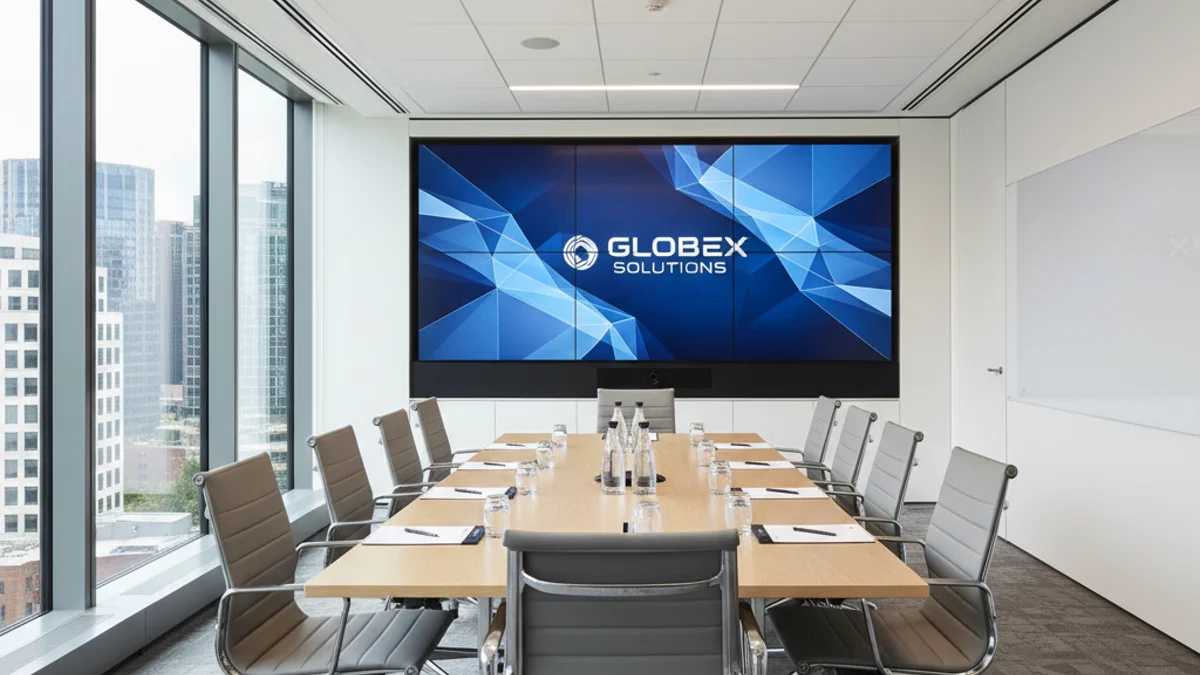
- Deepest viewing distance in metres. This sets the minimum pixel pitch. A rough working figure is that pixel pitch in millimetres should be no more than the viewing distance in metres divided by 2.5 for critical content, and divided by 1.5 for casual viewing. For a fuller breakdown of resolution and pitch for conference stages, see our guide to LED resolution and pixel pitch.
- Ambient light level. Bright daylight through glass demands far higher nits output than a dimmed boardroom. Specify brightness in cd/m² and state the worst-case lighting condition.
- Available power. A large LED wall draws real current. Confirm single-phase or three-phase supply, the amperage available, and where the nearest distribution board sits.
- Sightline and stage position. Seating rake, pillar positions, and the presenter’s standing position determine screen height and centre. Measure them; do not estimate them.
Equipment Choices That Matter
For a conference room, the display decision is between an LCD panel, a projector, and an LED wall. For event production the answer is almost always LED, because it scales and can be reconfigured.
- Audio first. A screen nobody can hear properly is a wasted screen. Choose microphones for the room, add sound reinforcement for larger spaces, and apply echo cancellation for hybrid calls.
- Displays second. Match display technology to the room. A digital signage display suits wayfinding and repeated messaging; a video wall suits impact.
- Control third. Manual source switching invites the classic “why is the screen blue?” moment. A single switcher or control panel removes it.
For fixed rooms, plan the control layer around how people actually start a meeting — a single button that brings the system up. For rental builds, the control layer is a person: a technician on a preview/program switcher, watching both feeds.
Wiring and Connectivity
Cabling is unglamorous and decides whether the room feels professional. For fixed installs, run signal cable in conduit with patch panels at source locations, so a damaged tail is a five-minute swap rather than an afternoon of trunking removal. For rental builds, use rapid-deploy looms and ground-level cable matting.
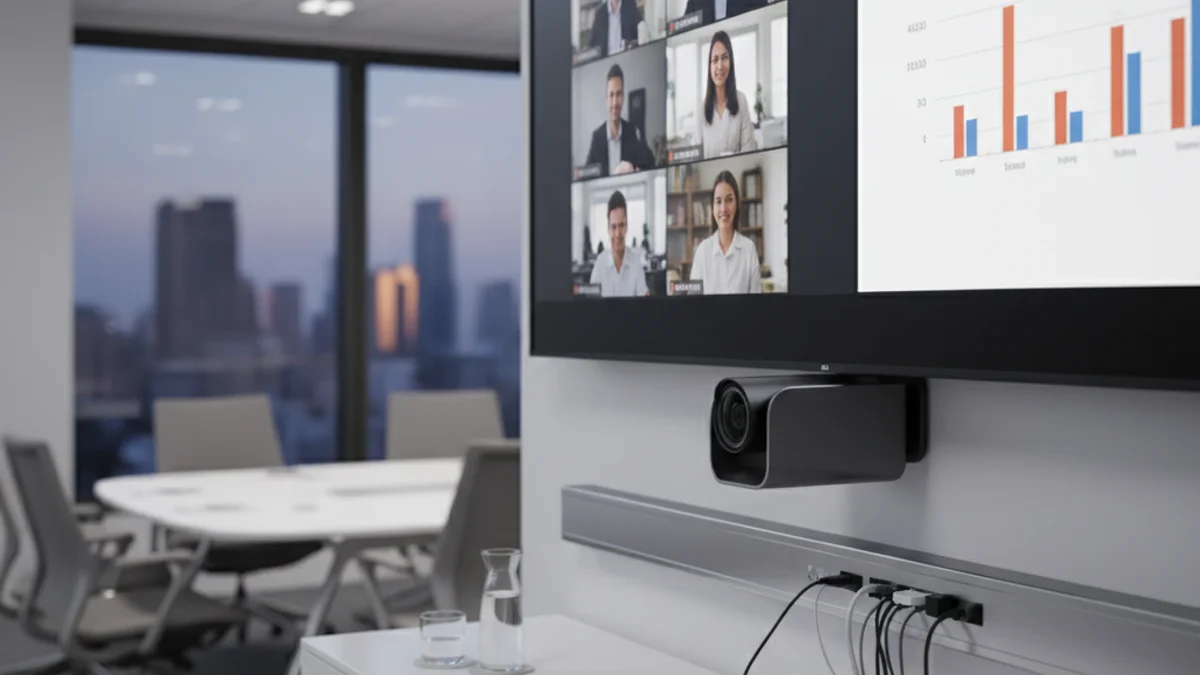
Content standards matter too. For high dynamic range content, follow the ITU-R BT.2100 recommendation for HDR signalling so the source and the screen agree on the same signal space. For signal transport, HDMI and its newer HDMI specification revisions define the bandwidth ceiling for 4K and 8K over a single cable — check that a rental switcher matches it before the wall is built.
Audio and Video Considerations
Audio clarity beats audio volume. Microphone choice follows room size and layout; lapel and boundary mics suit boardrooms, while larger conference halls need reinforced coverage and attention to reverberation.
On video, camera position and lighting determine perceived quality more than camera resolution does. Frame the room for hybrid participation, avoid backlighting the presenter, and confirm the display’s refresh rate is high enough to avoid camera banding.
When several sessions run across a programme of parallel rooms, the coordination burden rises fast — the same discipline that keeps a multi-track programme running is covered in our piece on AV equipment for conferences and seminars.
Integration, Control, and Automation
Centralised control turns a collection of boxes into a system. In a fixed room, that means a touch panel or app that brings audio, display, and conferencing up in one action, with scheduled presets for recurring meeting types. In a rental build, integration means every source, processor, and tile cabinet on the same signal path, tested as one system before doors open.
Step-by-Step: Planning and Delivering the Setup
Work the sequence to these milestones. It applies equally to a permanent install and a rental build — only the lead times scale.
- Define the use case and audience. Recurring internal meetings or a one-off event? Write it down before touching a spec sheet.
- Survey the room. Record dimensions, seating depth, ambient light, power, and rigging points.
- Set the display target. Derive minimum pixel pitch and required brightness from the survey numbers.
- Confirm power and rigging capacity. Match the load to the supply; confirm what the ceiling or ground-support can carry.
- Brief the vendor with numbers, not adjectives. Worst-case viewing distance, nits target, content format, and whether the wall goes on camera.
- Plan signal and control. One switcher, one control method, one tested signal path from source to screen.
- Test everything before live. Full power-up, source switching, audio, and ceiling/centre alignment at least a day before the room is used.
- Schedule maintenance or strike. A fixed room needs a calibration routine; a rental build needs a de-rig plan and a return deadline.
Where a whole programme spans multiple rooms and audiences, the production layer overlaps with convention-scale work — the approach in our guide to running a convention in France: the AV layer maps directly onto it.
Cost Drivers: What Actually Moves the Invoice
Two quotes for “the same” LED wall can differ by a wide margin. Before comparing them, normalise four things.
- Pixel pitch and total tile count. Tighter pitch and a larger surface both raise the cabinet count, which is the single biggest line item.
- Processing and signal infrastructure. Switchers, scalers, and video processing scale with source count and redundancy, not just screen size.
- Rigging and power. Ground-support towers, flown rigging, and three-phase distribution are labour and plant costs that sit outside the hardware.
- Labour and time on site. Build and strike windows, venue access hours, and out-of-hours working all carry a rate.
Ask each vendor to split the quote along those four axes.
FAQ
How much does a conference room AV setup cost?
There is no single figure, because a fixed room install and a one-week LED rental are not comparable products. Cost is driven by pixel pitch, total screen area, processing, rigging, and labour. Brief a vendor with worst-case viewing distance, room dimensions, and power available, and ask for a quote split by those cost drivers.
Should I buy a fixed install or rent for each event?
Buy fixed if the same room hosts the same recurring meeting and the layout is stable. Rent if the audience, room, or dates change each time — modular LED tiles can be resized, re-pitched, and reconfigured per event, which a fixed panel cannot.
What pixel pitch do I need for a conference room?
Start from the deepest viewing distance. As a working rule, keep pixel pitch (mm) no more than the viewing distance (metres) divided by 2.5 for detailed content, and divided by 1.5 for casual viewing. Then confirm brightness in nits against the worst-case ambient light.
Can a rental LED wall be used for a hybrid or streamed conference?
Yes, and it usually should be. A rental wall lets you set the pitch and brightness for the room while also being camera-friendly — the key checks are a refresh rate high enough to avoid banding and a brightness level that does not bloom on camera.
What should I confirm with the venue before a rental build?
Confirm power supply type and amperage, available rigging points and their load rating, floor access and any cable-matting requirements, and the build and strike windows. These four checks prevent most on-site surprises.
Turning the Plan Into a Build
A good conference room AV plan is a set of numbers, not a wish list: viewing distance, pixel pitch, nits, and power. For event work specifically, the discipline is the same whether you are running a seminar or a full convention — our teams regularly bring LED walls into seminars and workshops as well as large plenary halls.
For either path, LED screen rental and full production support are available to brief against your numbers.
Send us the room dimensions, deepest viewing distance, and power available, and we will size the wall and return a quote split by cost driver. Request a quote to start.