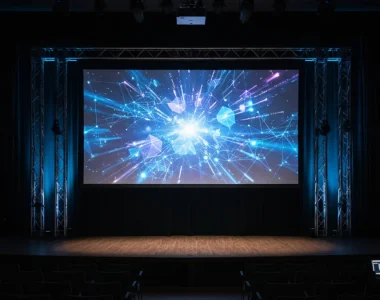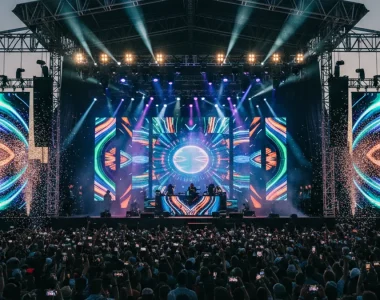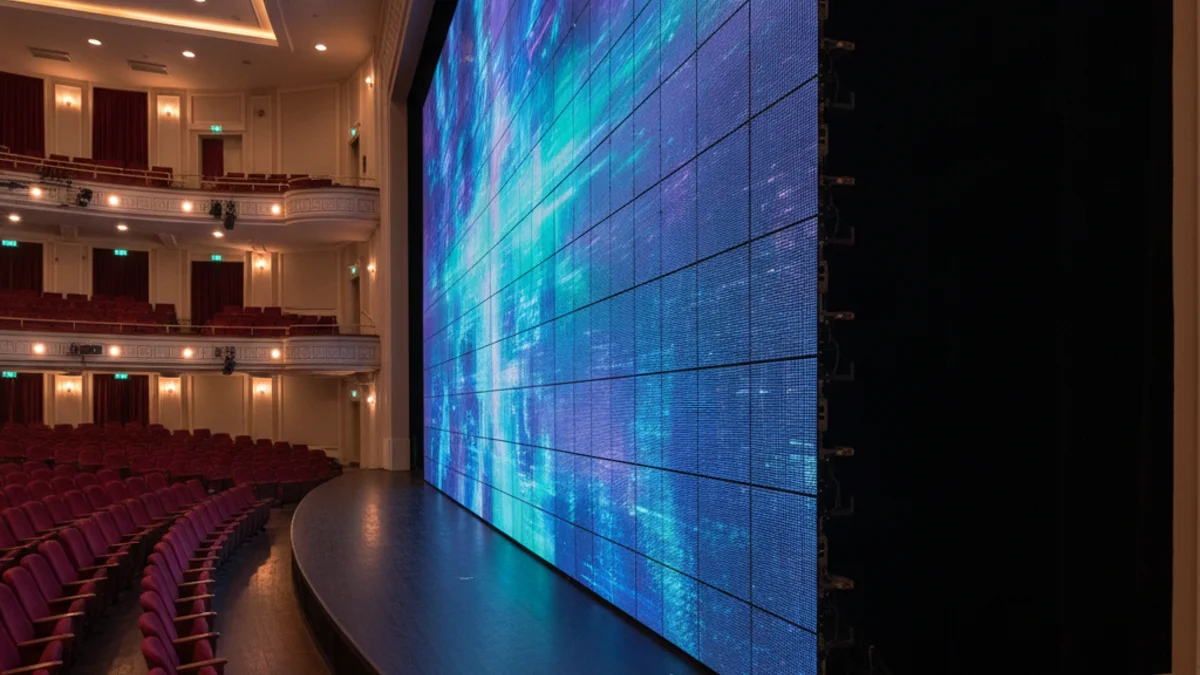
Poor screen placement is rarely the equipment’s fault. It is almost always a geometry error: a pitch too coarse for the front row, a screen hung so high the first rows crane their necks, or a wall so wide that the side seats watch it edge-on and lose colour. These are cheap to fix on paper and expensive to fix on site. The fix is to work from the audience outward — nearest viewer, farthest viewer, and everything between. For a screen sized and pitched to a specific room, LED screen rental in Paris is where that calculation starts, and this is how the numbers resolve into a placement.
Three distances, not one
A single “viewing distance” is a useful fiction but a bad specification. There are three numbers, and each constrains a different decision.
- Minimum viewing distance — the closest a viewer can stand before individual pixels become visible. Set almost entirely by pixel pitch.
- Optimal viewing distance — the band where detail reads comfortably. Driven by screen size and content complexity.
- Maximum viewing distance — the farthest point at which the smallest meaningful text stays legible. Driven by resolution and content design, not just panel spec.
Pixel pitch sets the floor
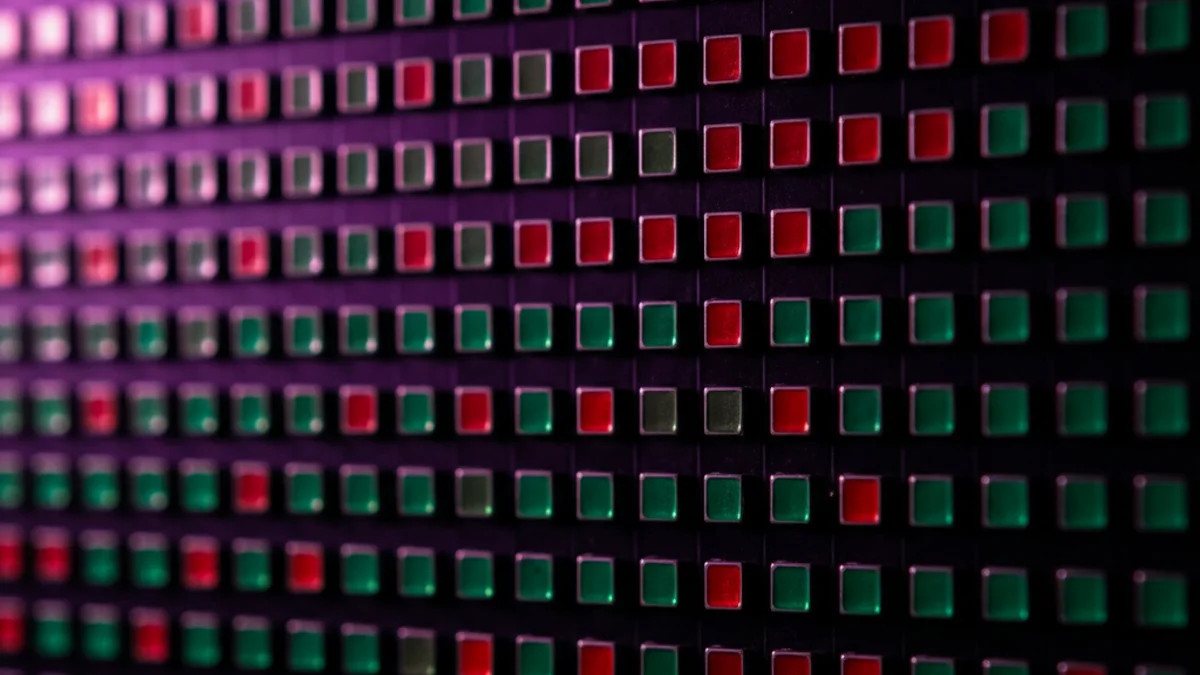
Pixel pitch is the centre-to-centre distance between adjacent pixels, in millimetres. Smaller pitch means denser pixels and a sharper image up close. The trade working rule is simple and worth memorising: 1 mm of pitch suits roughly 1 m of comfortable viewing distance. A P2.6 wall is clean from about 2.5 m; a P3.9 wall wants about 4 m; a P1.9 wall is meant for viewers almost on top of it.
| Pitch | Sharp from | Typical placement |
|---|---|---|
| P4.8 | ~5 m | High hanging walls, large backdrops seen from across a hall |
| P3.9 | ~4 m | Wide-hall aisle-facing walls, large stage backdrops |
| P2.6 | ~2.5 m | The default for exhibition and conference walls viewed from 1–2 m |
| P1.9 | ~2 m | Close-up product detail, text-heavy content, small rooms |
The most common mis-specification is a coarse pitch on a wall that close viewers walk past. Put a P3.9 wall beside a narrow aisle and visitors at the front edge see diode structure instead of the product. The front row, not the average seat, decides the pitch.
Height over the crowd, and tilt
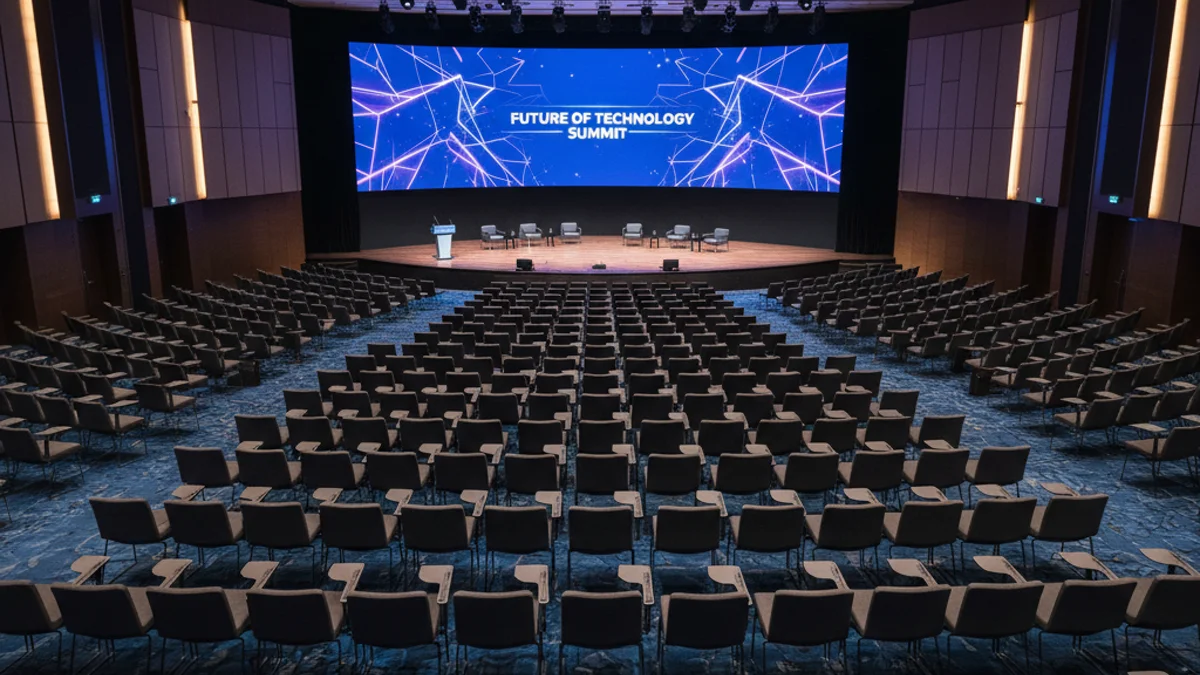
Set the bottom edge of the active area above the audience’s eye line. For a seated room that is roughly 1.2 to 1.5 m off the floor; for a standing crowd it is 1.8 to 2.4 m so people at the back can see over those in front. Hang the screen far higher and every close viewer suffers neck strain — the front-row-at-the-cinema effect. If the screen has to be mounted high, a 5 to 10 degree downward tilt aims the viewing cone at the audience instead of over their heads. Test both edge cases at the walk-through: the front row and the back row.
Viewing angle covers the sides
Viewing angle is the maximum off-axis angle at which the image still reads without meaningful brightness loss or colour shift, usually quoted as horizontal/vertical, such as 160°/140°. For a room with a wide seating block or an unconventional layout, a narrow angle leaves the side seats with a dim, colour-shifted picture. Two fixes: insist on panels with a wide horizontal angle for wide rooms, or split the wall and angle wing screens inward so the side fields face the surface more squarely. Confirm the panel spec rather than assuming; it is on the datasheet, and it changes with the cabinet type.
Maximum distance is a content problem
The back row sees whatever you designed for the back row. Character height has to scale with distance — a working guideline is that text should be roughly 1/150th of the viewing distance tall, so text legible at 30 m needs characters around 20 cm high. Resolution sets how much fine detail survives that distance; pitch and resolution are not the same thing and both matter. For a large-format conference wall, the resolution and pitch relationship is covered in our post on LED video wall resolution and pixel pitch for conference stages. Native canvas matters here too: cabinets are built in 500 × 500 mm increments, so the wall’s shape is fixed by the build and the content has to be delivered to that canvas, not to 16:9 by default.
Ambient light competes with the screen
An LED wall emits light, so it holds up better than projection, but it is not immune to the room. A wall facing a wall of glazing in daylight, or sitting under a bright wash of stage light, loses contrast. Higher brightness (more nits) wins the fight in bright environments, but a screen that is too bright in a dark room is fatiguing, so brightness is matched to the environment, not maxed. Position the wall to reduce direct light hitting the face, and check the reflection from house lights during the walk-through rather than after the first session.
Placement checklist
- Map the audience area: width, depth, nearest and farthest viewer, and any pillars or low ceilings.
- Measure the distance to the closest viewer and pick the pitch from that number.
- Confirm the viewing angle covers the side seats, or plan wing screens.
- Set the bottom edge above the crowd’s eye line and add tilt if the wall is high.
- Check the smallest text still reads from the farthest seat.
- Assess ambient light at the wall face and set brightness to the environment.
- Walk the room before doors: front row, back row, far left, far right, and any balcony.
The same placement logic scales from a small conference wall to a very large arena build; our round-up of what the world’s largest LED screens teach event producers shows how cabinet geometry, native canvas and service access play out at scale. For displays that are not for a seated audience at all — wayfinding, lobby and menu screens — the sizing logic is different, and digital signage and display rental covers it.
Frequently asked questions
What is the minimum viewing distance for an LED wall?
Roughly 1 mm of pixel pitch per 1 m of distance. A P2.6 wall is clean from about 2.5 m, a P3.9 wall from about 4 m. Set it by your closest viewer, not the average.
How high should the screen be mounted?
Bottom edge above the audience’s eye line: about 1.2 to 1.5 m for seated rooms, 1.8 to 2.4 m for standing crowds. Add a 5 to 10 degree downward tilt if the screen is mounted high.
Is a wider viewing angle always better?
For a wide seating block, yes. For a narrow room viewed almost head-on it matters less, and the panel grade is a cost lever. Match the angle to the seating, not to the datasheet maximum.
Does resolution or pitch decide image sharpness?
Both, for different viewers. Pitch decides how close the front row can stand; resolution decides how much detail survives to the back row. A coarse pitch with high resolution still shows pixels up close.
Get the geometry right and the screen disappears into the content, which is the point. When you have the room dimensions and the seating plan, request a quote and we will set the pitch, height and canvas so every seat gets a clean view.