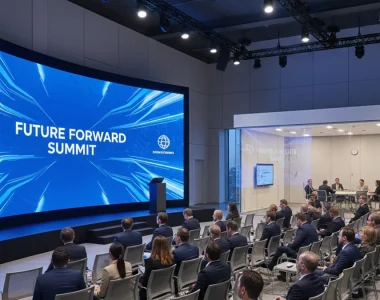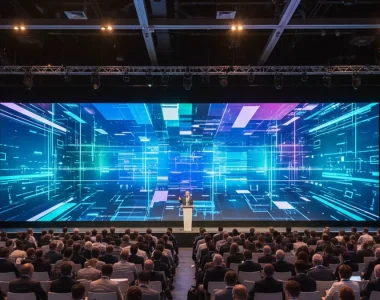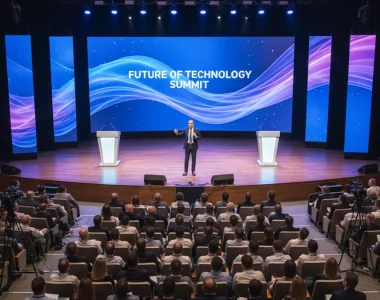
Booking a seminar room in Paris is easy. Making a 300-person audience read the back of the room is not. Projection washes out the moment the daylight blinds open, or when the house lights come up for a Q&A. One dim bulb turns a full training day into a squint. A rented LED video wall solves that problem differently: a self-lit surface that holds contrast in any ambient light, at any viewing angle, with no lamp to fail mid-session.
This guide is for organisers, training leads and L&D teams running seminars, workshops and certification sessions where the display has to work the first time — the same brief we apply to AV production for academic conferences and symposia. We cover how to size a screen, choose a pitch, wire the audio and brief a supplier — through the lens of LED screen rental for conferences and events, not consumer electronics.
Why Projection Fails in Bright Seminar and Workshop Rooms
Projection is a reflected-light technology. Its contrast collapses as ambient light rises, so a typical hotel ballroom or university lecture theatre — with chandeliers, clerestory windows and bright wall finishes — is close to the worst case for it. You buy brightness to fight the room, which shortens lamp life and drives up cost. You clean the filter when a fan clogs. You hope nobody walks between the projector and the screen during the keynote.
LED panels emit their own light. A [LED display](https://en.wikipedia.org/wiki/LED_display) is made of light-emitting diodes grouped in modules, so brightness and contrast are properties of the hardware rather than of the room. Black stays black, whites punch through, and the image survives in rooms that would kill a projector. The trade-off is pitch: the physical gap between pixels, measured in millimetres, sets how close an audience can sit before the pixels become visible. Smaller pitch suits closer seating and finer detail — think body text, spreadsheets and code on a training screen.
LED, Projection or LCD? Choosing the Right Display for the Session
Three display types cover almost every educational event. The right one depends on room light, audience distance, content type and how fast the setup has to go in and out.
| Criterion | LED video wall | Projection | Large-format LCD |
|---|---|---|---|
| Ambient-light performance | Excellent — self-lit, holds contrast | Poor to fair — washes out | Good up to ~1.4 m panels |
| Practical size ceiling | Effectively unlimited (tiles) | Large, but needs throw distance | Capped near 98 in (2.5 m) |
| Viewing angle | Wide, near 160° per side | Wide but dim at edges | Narrower; darkens off-axis |
| Transport & setup | Flightcases, tiles, quick rig | Bulky, alignment-sensitive | Heavy on stands |
| Best fit | Keynotes, big rooms, names on screen | Dark halls, fixed installs | Small rooms, breakout sessions |
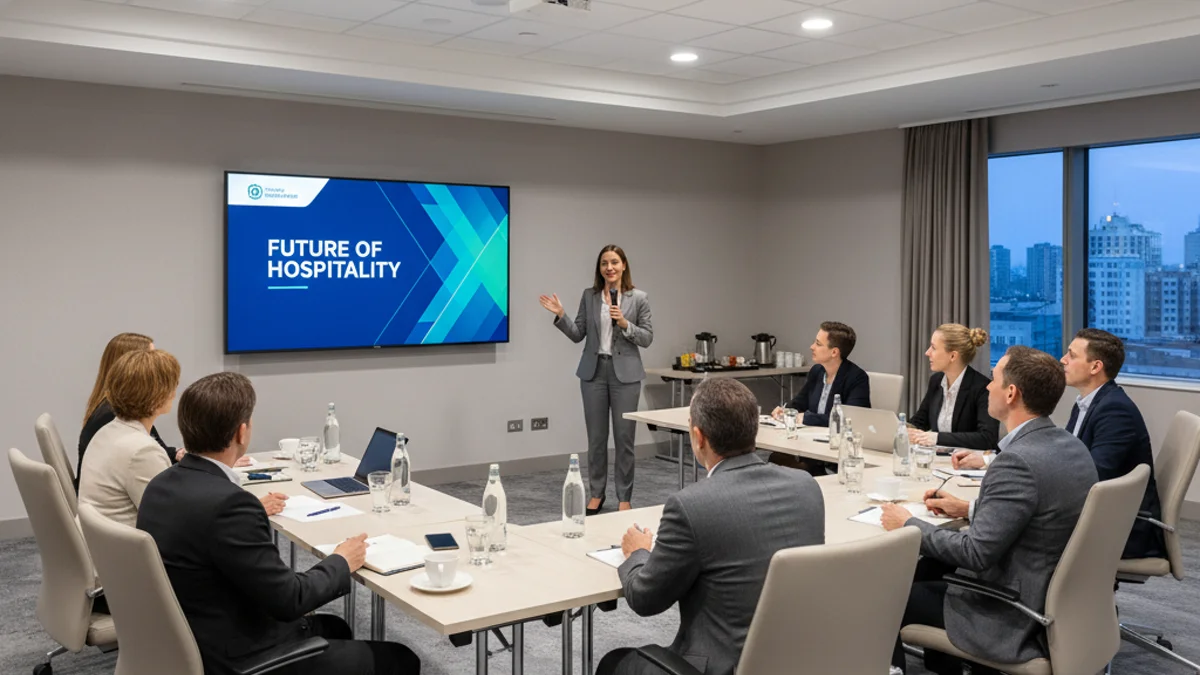
For a keynote in a 300–600 seat auditorium, LED wins on legibility. For a 20-person breakout workshop where the screen sits two metres from the table, a large-format LCD is cheaper and perfectly fine. Match the tool to the room rather than defaulting to the biggest option on the quote.
Sizing the Screen: Pixel Pitch, Resolution and Viewing Distance
Pixel pitch drives both cost and sharpness, so get it right before anything else. Use a simple planning heuristic: the minimum comfortable viewing distance in metres is roughly equal to the pitch in millimetres. A 2.6 mm wall is sharp from about 2.6 m; a 3.9 mm wall from about 4 m. Seat the front row at or beyond that distance and the image reads cleanly.
Then work back to resolution. A 6 m × 3.5 m wall built from 500 × 500 mm tiles at 2.6 mm pitch resolves to roughly 2300 × 1346 pixels — enough for legible 16:9 slides and split-screen bilingual content. Drop below the native source resolution, or stretch a 16:9 deck across an unusual aspect ratio, and text turns soft. Matching LED video wall resolution and pixel pitch to a conference stage is the same calculation, scaled up.
Audio, Switching and Confidence Monitors
Most seminar failures are audio failures, not visual ones, because the audience forgives a slightly soft image but not a dropped sentence. A presenter who has to hold a handheld mic can’t gesticulate or type. A lapel or headset wireless mic frees the hands and keeps the level steady as the speaker turns to the screen. For panel sessions, budget one mic per speaker plus a spare channel, and a mixer that a volunteer can operate.
Switching matters just as much. Assume at least three sources on stage: presenter laptop, a backup laptop, and a media player or a remote guest over video. The switcher should send the same feed to the main screen, a confidence monitor facing the presenter, and — if the session is recorded or streamed — a capture device. Set a firm house rule: every presenter’s slides are loaded and pre-tested the night before, in the room, on the actual wall. Testing on the conference Wi-Fi an hour before the keynote does not count.
Worked Example: A 250-Seat Paris Seminar
Picture a one-day training seminar for 250 delegates in a mid-size hotel function room, one main stage, two breakout workshops in the afternoon.
The main room seats the front row around 3 m from the stage. That points to a 2.6 mm pitch wall roughly 5 m wide by 2.8 m high — legible the whole way to the back wall, and bright enough to keep contrast with the chandeliers half-lit. Audio is two lavalier mics on the presenters, four handhelds for a panel, one spare, feeding a compact mixer with a live confidence monitor at the lectern.
The breakouts are 25 people each, seated at tables about 1.5–2 m from the screen. There, a 98 in LCD on a wheeled stand beats a wall on cost and setup time. Digital signage displays at the registration desk and the breakout doors round out the day — one screen for the schedule, one for sponsor loops. Reusing the main wall for the morning keynote and the LCDs for the afternoon is the cheapest structure that still looks professional on camera.
Cost Drivers: What Moves the Invoice Beyond the Hardware
The panels are rarely the whole story. Four things decide the final number:
- Pixel pitch. Finer pitch means more panels, more processing and higher cost per square metre. Buy only the sharpness the room requires.
- Rigging and mounting. Ground-supported truss, ceiling suspension, or wall-mounted — venue ceiling rules and load limits decide which, and rigging labour is billed separately.
- Labour and venue rules. French venues vary on load-in windows, crew numbers and working hours. Nights, weekends and tight access windows all carry higher labour.
- Technical support. A dedicated operator on site for the day, with a spare panel and a spare signal path, removes the single biggest risk — a blank screen mid-session.
Vendor Briefing Checklist for Educational Events
- 60 days out: Confirm the room dimensions, ceiling height, load-in access and any AV exclusivity clause in the venue contract.
- 45 days out: Fix audience size and seating plan so viewing distance — and therefore pixel pitch — is known, not guessed.
- 30 days out: Agree the content mix (slides, video, live camera, bilingual feed) and the native resolutions you’ll deliver.
- 21 days out: Lock the audio design: mic types and count, mixer, and whether the session is recorded or streamed.
- 14 days out: Confirm power: total kW, single- or three-phase, and where the supply is relative to the stage.
- Day before: Full technical rehearsal in the room, on the actual screen, with every presenter’s laptop tested.
- Show day: Test the confidence monitor, the capture feed and the backup laptop path before doors open.
- Standby: Keep a spare panel, a spare cable run and a spare mic on site, and name the person who swaps them.
Frequently Asked Questions
Is an LED video wall better than a projector for a seminar?
Yes, in any room where ambient light can’t be controlled. LED holds contrast in bright hotel and university rooms where projection washes out. For a small, dark breakout room, an LCD or projector is the cheaper sensible choice.
What pixel pitch do I need for a workshop or training screen?
Match the pitch in millimetres to your closest viewing distance in metres. A 2.6 mm wall suits front rows around 2.6 m away; a 3.9 mm wall suits rows around 4 m away. Smaller rooms can use finer pitch, larger halls coarser.
Can you supply a sound system and microphones with the screen?
Yes. A screen rental should include audio: lapel and handheld wireless mics, a mixer a volunteer can run, and a confidence monitor. Most seminar problems are audio failures, so never treat sound as an afterthought.
Do you set everything up on site, or is it self-install?
On-site. A crew delivers, rigs, cables and tests the wall, then stays for the session with spares on hand. Load-in timings and crew numbers follow the venue’s rules, so confirm access windows early.
Can the same setup cover breakout workshops and signage?
Often, yes. Keep the LED wall on the main stage and use large-format LCDs or digital signage screens for smaller breakout rooms and the registration desk. That structure lowers cost without looking cheap.
Plan Your Seminar AV Before You Sign the Venue Contract
The venue contract decides your AV options months before the day, so settle the display and audio design early. If you’re running a larger programme with multiple rooms, streaming or remote presenters, the same playbook scales — see hybrid event production in Paris for the streaming layer, and digital signage display rental for wayfinding and sponsor loops. Running a convention in France: the AV production layer covers the multi-room logistics that apply to any educational event.
Tell us the room, the audience and the date, and we’ll recommend a pitch, screen size and audio plan that fits — no bulb to fail, no image to wash out.
Request a quote and we’ll size the setup for your next seminar, workshop or training day.