Academic Conference AV & LED Production Guide
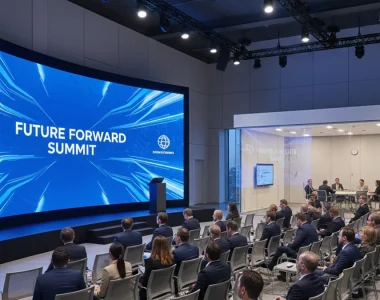
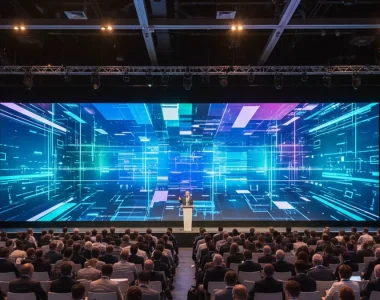
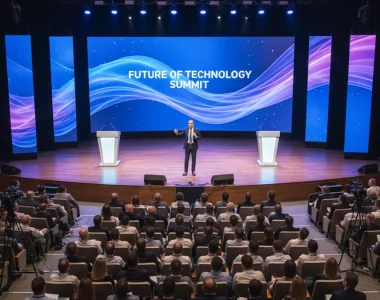
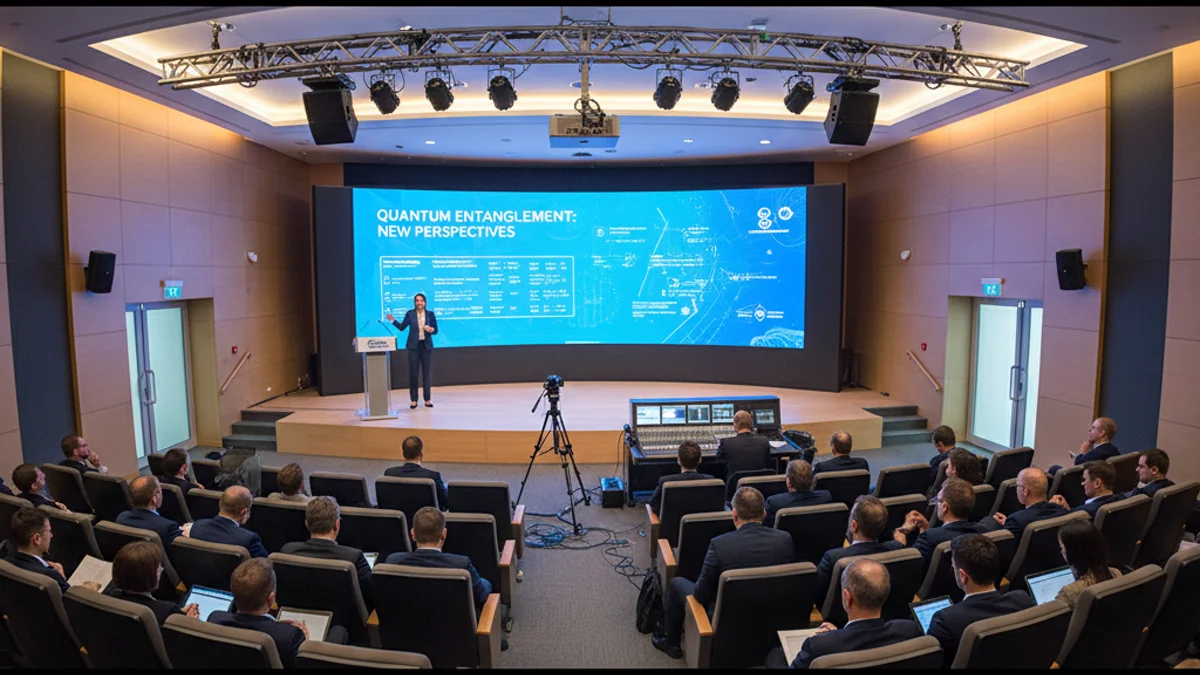
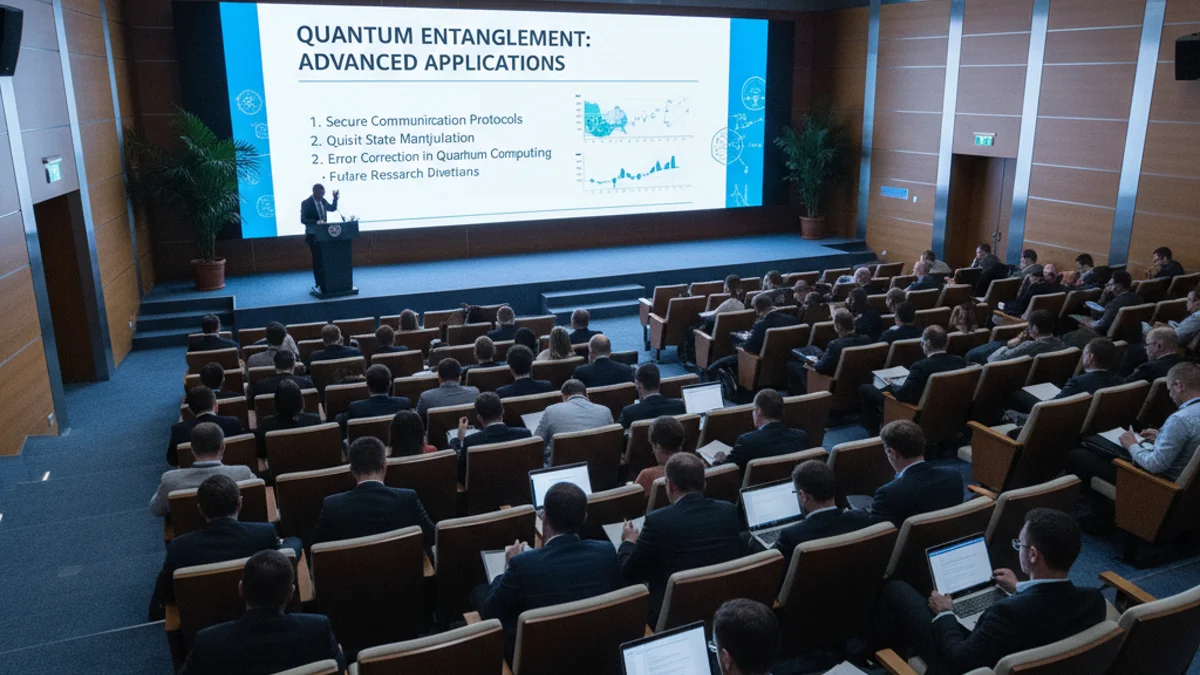
A plenary keynote ends at 9:58 and the next speaker takes the lectern at 10:00. Two minutes to strike a laptop, swap a slide deck, re-aim a confidence monitor and reset the audio for a panel of four. That handover, repeated across three days and six parallel tracks, is what decides whether an academic conference looks competent or chaotic. The speakers rarely notice the screens; they notice a frozen slide, a dead handheld mic, or a poster session lit by whatever lamp the venue left switched on. This guide covers the AV and LED layer of an academic conference: LED screen rental for conference events, slide reliability, poster sessions and hybrid streaming.
What Makes Academic Conference AV Different from Corporate Events
The content is dense: 12-point text on a results table, a chromaticity chart, a three-column regression output. Delegates in row 20 are reading formulas, not admiring brand colours.
Four session formats run side by side, each with its own AV demand:
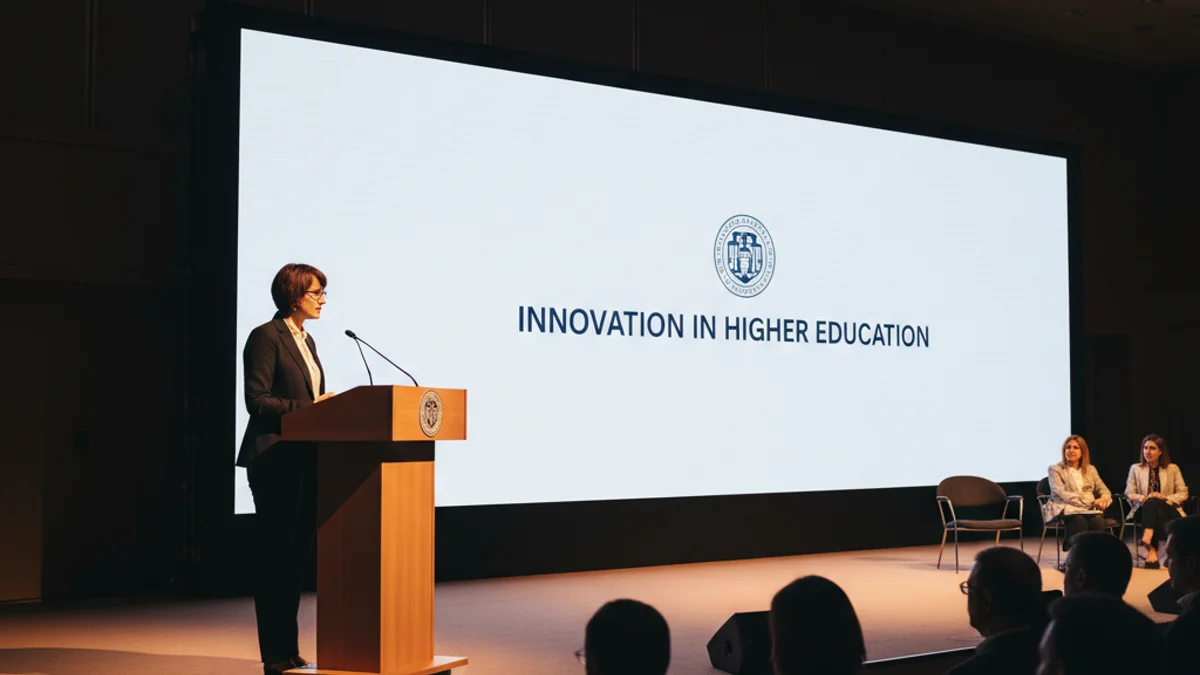
- Plenary and keynote talks — one speaker, one screen, highest stakes, often the only session the university leadership attends.
- Parallel paper tracks — three to six rooms running the same time, each needing an identical, rehearsed setup so a speaker can move rooms without adapting.
- Panel discussions — four to six microphones live at once, a moderator, and a layout where nobody blocks the screen.
- Poster sessions — vertical displays and illuminated boards, viewed standing up, in a room that is usually too bright.
Each format pulls the same inventory in a different direction. The parallel tracks reward standardisation; the poster session rewards lumen output; the plenary rewards redundancy.
Choosing the Display: LED Video Wall vs Projector vs LCD
The display choice drives almost every downstream cost — rigging, power, labour and how early you can load in.
| Display | Typical use | Brightness / readability | Setup & rigging | Relative cost |
|---|---|---|---|---|
| LED video wall (fine pitch) | Large plenary screens, widths above 5 m | 2,000–5,000 cd/m²; readable under house lights | Ground-support or flown; needs power and processing | Highest hardware, lowest anxiety |
| Projection (laser) | Mid-size rooms, blended images | Drops sharply with ambient light; needs controlled lighting | Screen, projector, lens, throw distance | Lower hardware, higher environmental demand |
| LCD / commercial displays | Confidence monitors, breakout rooms, signage | Bright and sharp at small sizes | Truss mount or floor stand; minimal cabling | Lowest, but limited screen size |
The rule of thumb for a plenary: if the screen is wider than 5 metres and the room cannot be fully darkened, LED wins on legibility. Most academic conferences end up with a hybrid — LED for the main hall, LCD or projection in the breakouts, and screens at every venue entrance for wayfinding.
Pixel Pitch and Viewing Distance: Don’t Over-Buy Resolution
Pixel pitch is the distance between LED pixels, in millimetres, and it is set by how far the back row sits from the screen — not by how impressive the spec sheet looks. A 2.6 mm wall is wasted on a room whose furthest delegate is 18 metres away; a 4.8 mm wall is blurry when the front row is 3 metres back and reading footnotes. The maths runs roughly: minimum viewing distance in metres equals two to three times the pitch in millimetres for comfortable text reading. See our guide to LED resolution and pixel pitch for conference stages.
On typical specification sizes, a 3 mm pitch suits rooms up to about 8 metres deep; a 4 mm pitch carries a 10–12 metre throw; 6 mm is fine only where the nearest viewer is beyond 15 metres.
The AV Chain That Keeps a Session Running
A conference screen is the endpoint of a chain that starts at the presenter’s laptop and passes through a switcher, a scaler, a processor and a player. The practical failures are always the same:
- Resolution mismatch — a presenter arrives with a 4:3 deck on a 16:9 wall, and the scaler stretches it.
- Colour space — a video clip renders with crushed blacks because the link ran a limited-range feed into a full-range display.
- Cabling — a cheap 10 m HDMI run behind a lectern produces intermittent dropouts on long sessions.
- Audio — the HDMI carries video but not embedded audio, and nobody checked the routing until the first talk.
The same discipline applies to the wider capture and control gear you would use for any multi-track programme, which is covered in our breakdown of AV equipment for conferences and seminars. Demand 16:9 decks, PDF backups at a standard resolution, and a single processing path per room.
A Step-by-Step Production Checklist
Academic conference AV is won or lost on the timeline, not the show floor.
- Twelve weeks out — lock the room list. Confirm every session room, seat count and dimension. This sets screen size, pitch and throw distance.
- Ten weeks out — define the technical standard. One deck format, one resolution, one aspect ratio, one audio routing rule for all presenters and all rooms.
- Eight weeks out — brief the venue on power and rigging. Ground-support vs flown, load-bearing limits, available single-phase and three-phase supply, and load-in access hours.
- Six weeks out — publish presenter AV guidelines. Font sizes, slide count guidance, file naming, and the deadline for uploading decks to a shared drive.
- Four weeks out — confirm redundancy. Spare switcher channel, spare mic, spare cable runs, and a backup laptop with the full programme loaded.
- Two weeks out — finalise the poster layout. Board count, numbering, lighting, and pin or magnetic fixing method.
- Load-in day — test every room end to end. Run a full deck across the real chain in each room, not just a colour-bar test signal.
- Session day — staff each track. One technician per parallel block, a roving trouble-shooter, and a fixed AV desk the committee can find.
Hybrid Streaming for Remote Delegates and International Speakers
Academic conferences almost always have remote contributors: a keynote joining from another time zone, a postgraduate presenting by video, an international co-author who could not travel. Hybrid production adds a capture and encoding layer on top of the room AV, with its own fault lines — unstable venue Wi-Fi, latency between the room and the remote speaker, and the awkward cadence of a remote delegate raising a question in a room they cannot see.
Two rules carry most of the weight. First, never route streaming over shared venue Wi-Fi; insist on a wired connection for the encoder. Second, treat the remote speaker as a room participant — give them a preview of the slide feed, a dedicated audio return, and a moderator watching their connection. For conferences that run a genuine hybrid format with parallel remote tracks, the production planning overlaps almost entirely with a hybrid event production brief.
Working in French Venues: Power, Rigging and Access
French conference venues — university lecture theatres, congress centres and hotel ballrooms — bring their own constraints. Power is distributed as 230 V single-phase and 400 V three-phase; an LED wall draws far more than a projector, so confirm the available supply before you specify screen area. Rigging in many historic auditoriums is restricted, which forces ground-support structures, and those need floor space and load calculations. Load-in windows are often tight and shared with catering and staging, so a clear marshalling plan for cases and flight-bar covers saves hours.
Frequently Asked Questions
Do we need an LED video wall, or is projection enough?
Projection is enough when the room can be fully darkened and the screen is under about 5 metres wide. LED is the better choice for lit rooms, wide plenary screens and any session where delegates read dense slides from a distance.
What pixel pitch suits an academic lecture hall?
Match pitch to viewing distance. Roughly, 3 mm suits rooms up to 8 metres deep, 4 mm covers 10–12 metres, and 6 mm only works where the nearest viewer is beyond 15 metres. Over-specifying pitch wastes budget.
How do you handle presenters who arrive with incompatible slides?
Publish a technical standard weeks ahead: 16:9, standard resolution, PDF backup. Then load every deck onto a central drive and test the real processing chain in each room before the conference opens.
Can a poster session run without extra lighting?
Usually not. Poster sessions are viewed standing up in bright foyers, so add dedicated lighting or illuminated displays. Number each board and fix posters consistently so delegates can navigate the room.
How far ahead should we book AV for a conference?
Twelve weeks gives a comfortable margin for room surveys, power checks and rigging plans. Four to six weeks is workable for a single-hall event, but parallel tracks and hybrid streaming need the longer runway.
What is the biggest cause of on-the-day AV failure?
The processing chain, not the screen. Resolution mismatches, cheap long cable runs and untested audio routing cause more session failures than hardware faults. Standardise the chain and test each room end to end.
Getting the AV Layer Right
LED walls sized to the viewing distance, one rehearsed technical chain per room, a poster session that is properly lit, and a wired streaming path for remote delegates — none of it is glamorous, and all of it is what delegates remember as a well-run event. The production approach for a multi-day academic programme is close to that of a large-scale convention with parallel tracks and a heavy stage-management load, which is why the planning method in our guide to running a convention in France: the AV layer maps directly onto an academic conference.
Paris Video Wall supplies LED screens, video walls, displays and full AV production for academic and scientific conferences across France, including Paris, Lyon, Marseille, Nice and Cannes. If you are building the technical plan for a plenary hall, a poster session or a hybrid track, conference event management support and a proposed screen layout are one enquiry away. Request a quote with your room list, seat counts and session dates, and we will come back with a specification sized to the space.