Sound and picture are one system, and they are always booked separately
Here is the failure that shows up on rehearsal night, not in the planning meeting. The LED wall looks right. The audio sounds right in isolation. Then a presenter walks on, the live camera feed goes up on the screen, and three things happen at once: the image lags the voice by a beat, the room booms at the back, and the wireless mic picks up a hum that was not there an hour ago.
None of those are audio equipment faults, strictly speaking. They are integration faults — the picture layer and the sound layer were specced by different people, powered from different circuits, and never checked against each other. If you are renting LED screen rental for a conference, the audio chain around it deserves the same planning time as the screen itself.
The chain, in the order signal actually travels
Every room reduces to the same path. Understand the order and most problems stop being mysterious.
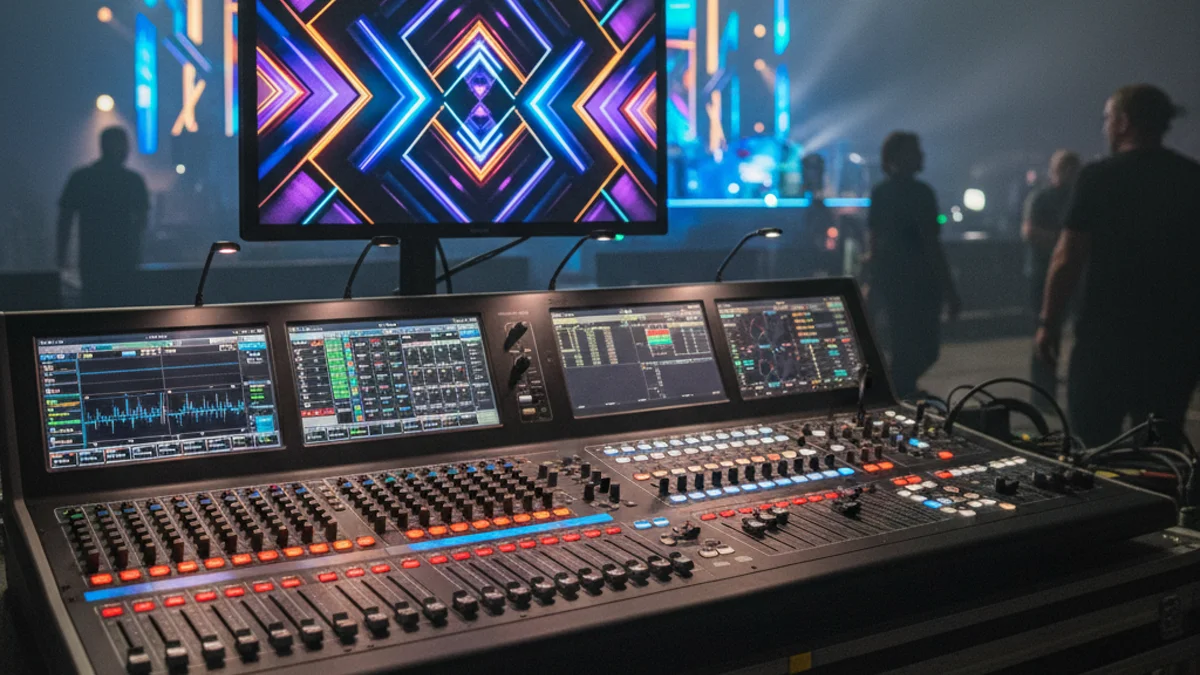
| Stage | What it does | What goes wrong here |
|---|---|---|
| Source | Microphones, playback, laptop audio, camera feed audio | Weak or unbalanced sources; laptop output at 30% with the mixer compensating |
| Input gain | Sets how much signal enters each channel | Faders raised to fix a quiet mic instead of the gain knob — noise floor rises with the signal |
| Mixer | Balances and routes sources; basic EQ | Everything summed at unity with no headroom left for the keynote |
| Processing / DSP | Room EQ, delay, limiting | Skipped entirely on small builds, then the room’s boom is fought with the channel EQ |
| Amplification | Powered speakers or separate amps | Speaker level used as a volume control, which is the wrong end of the chain |
| Loudspeakers | Projects the result into the room | Placement decided by where stands fit, not by coverage |
The single most common beginner error is gain staging in the wrong order. Set input gain with a healthy signal at the channel meter — riding just below peak on the loudest part of a speech — then mix with faders, then set room level at the amplifier or powered speaker. Raising the speaker volume to compensate for a badly set gain stage amplifies the noise floor along with everything else.
The LED wall changes your audio problem
A large flat screen is a hard, reflective surface sitting exactly where the stage used to reflect. Two consequences follow, and both are routinely ignored.
1. The wall adds latency, and audio has to match it
Every video chain has delay: camera, switching, the wall’s own processing. On an IMAG setup the picture arrives at the screen later than the voice arrives at the ear of someone in row five. Human tolerance for lip-sync error is narrow — a couple of frames is noticed, more becomes uncomfortable.
The fix is alignment, not hope: measure the video delay, then delay the audio to match for the zones where people can see the screen closely. In a room with delay speakers down the sides, the far speakers need their own delay relative to the main system, and the whole thing needs rechecking once the wall is live. This is why pixel pitch and viewing distance decisions and audio delay calculations belong in the same technical conversation — both are about what the audience perceives at a given seat.
2. Speaker placement around a wall is a coverage problem
- Mics in front of the wall, speakers out in front of the mics. A mic placed between the loudspeaker and the audience is a feedback loop waiting for someone to walk too close.
- Height beats width. Horns above standing head height carry over the crowd instead of into the front row’s knees.
- Corner loading booms. A subwoofer pushed into a corner gains low-end output and loses definition. If the wall design has already claimed the corners, plan the sub positions before the frame goes up, not after.
- Reflections off the screen. A flat wall reflects high-mid energy back into the room. If the room sounds harsh at the front, angling the speakers inward and slightly down usually helps more than EQ.
Power: keep the screen and the sound on separate circuits
An LED wall draws real current. A 5 m P2.6 wall runs in the region of 3–4 kW at exhibition brightness, and that load is not perfectly steady — brightness changes with content. Put audio processing on the same circuit and you have handed yourself a path for hum and, at worst, a brownout in the middle of a keynote.
Order the venue’s metered supply with the screen and the audio on distinct circuits, and confirm the total in the power application weeks ahead. On the day, follow the power sequence: sources, then mixer, then amplifiers or powered speakers last. Reverse it on shutdown — speakers off first. That order exists to protect both the equipment and the audience’s ears from a thump at full gain.
Sound check that actually covers the room
- Walk the room while someone talks. Normal speaking level, in the actual space, with the actual presenter. Not a recording.
- Test every mic that will be used, including handhelds coming out mid-session and any lavalier or clip-on units.
- Check the back row. If the last row needs the volume raised for intelligibility, the speaker placement is wrong, not the level.
- Play the loudest content — the sting, the walk-on track — and watch for limiting. If the system is already compressing before the show starts, there is no headroom left.
- Sync-check with the wall live. Camera on a talking head, audio up, stand at the closest seat. Adjust audio delay until the lips match.
- Fresh batteries and a spare handheld at the AV position. Wireless failures are the least interesting way to lose a session.
If the event is hybrid, add the far end to that list: the stream hears the room mix, not the room. LED screens for video conferencing covers the monitor-side layout that keeps remote participants inside the conversation.
FAQ
Do I need a separate audio engineer if I have an LED wall operator?
For anything above a single handheld in a small room, yes. The screen operator is running content and switching; the audio engineer is balancing the room. One person doing both means the mix gets attention only when nothing else is happening, which is never during a live session.
Why does the mic hum only when the wall is on?
Almost always a shared circuit or a grounding difference between the video and audio systems. Put them on separate supplies, use balanced cabling throughout, and lift nothing at random — find the ground difference and fix it properly.
Can I use the venue’s in-house sound and bring my own screen?
Often, and it can work well. Two conditions: the venue operator must be briefed on the screen’s latency so the delay can be matched, and one person must own the combined result. Split responsibility with no owner is how sync problems become nobody’s problem.
How loud should a conference actually be?
Loud enough for the last row to hear consonants without effort, quiet enough that the front row is not being shouted at. If you are pushing the system hard to reach the back, fix coverage — add a delay speaker or reposition — before adding level.
Getting picture and sound to land together
The rule worth keeping: audio and video are one deliverable, checked in the same room, at the same time, against the same seat. A wall that looks excellent and sounds late is a worse experience than a modest screen with clean, aligned sound.
For the wider AV package around this, AV equipment for conferences and seminars sets out the room-first approach, and conference room AV setup covers fixed installs. Request a quote with your room plan and audience size, and we will size the screen and the audio to the same seating chart.