Your screen is built; now the content has to earn it
A digital display only pays for itself when the content on it works at the speed a passer-by moves. At an event, that speed is brutal: a visitor walking an aisle gives a screen a few seconds of sidelong attention, and a wall behind a bar or a registration desk competes with everything else in the room. Real-time digital signage and LED displays can rotate content, update remotely and run animations that pull the eye — but only if the message is designed for the viewing window it actually gets. If your show is built around activation, start with how we run LED screens for event activation; the hardware is the easy half.
This is how digital signage earns attention at an event, and the content rules that separate a screen people read from one they walk past.
How digital displays work on an event floor
A digital display is an LED or LCD surface driven by a media player, with software controlling what runs, when it runs and how it rotates. Content is scheduled rather than printed, so it can change between sessions, between days or on a trigger. A single control system can run multiple screens in different rooms or cities at once, keeping messaging consistent across a venue or a multi-site campaign. That flexibility is the point: where a static panel locks in one message for its lifetime, a digital screen can run six to ten ads in a loop and swap them without a print job.
On an event stand, the same logic lets you run a different story in the morning than in the final hour of the show, push a live announcement during a keynote, or update a stand statement in real time as a deal closes. The screens do not care; the workflow does.
The three-second rule
Design for a three-second read and you design for the room. A viewer should absorb the message in three seconds or fewer, which in practice means one idea, one image and very few words. Billboards and aisle-facing walls are not documents — anything that needs to be read like a paragraph will not be read at all.
The working constraints that hold up on a busy floor:
| Element | What works | What fails |
|---|---|---|
| Words | Seven or fewer | Sentences, taglines plus supporting copy |
| Ideas | One per frame | Three messages competing on one screen |
| Elements | Up to three visual components | Logo, headline, image, QR, phone, address all at once |
| Contrast | High-contrast colour, legible fonts | Low-contrast palettes that vanish at distance |
| Motion | Short, simple animation | Long cinematic edits with detail that never lands |
The single most common failure is a screen built like a webpage. A logo in one corner, contact details in another, a headline in the middle and a stock photo behind it — by the time a passer-by has parsed the layout, they are already past it. Strip to one idea and the wall starts working.
Motion, loop length and the returning visitor
Animated content holds attention better than a still image because movement draws the eye before the brain reads anything. For a looping screen, keep segments short — around 6–10 s per idea — and build the whole loop to run 45–90 s so someone who walks past again sees something new rather than the same frame. On a stand in a narrow aisle, that rhythm matches the walking pace; on a large outdoor screen, longer, slower motion reads better because the audience is further away and moving faster.
The screen also needs a reason to exist beyond decoration. Three content types earn their place on an event display: product in motion (a 3D rotate or exploded view), a silent process or demo, and live data or an interactive configuration. Each gives the viewer something they cannot get from a printed board, which is what justifies running a screen at all.
Matching content to the environment
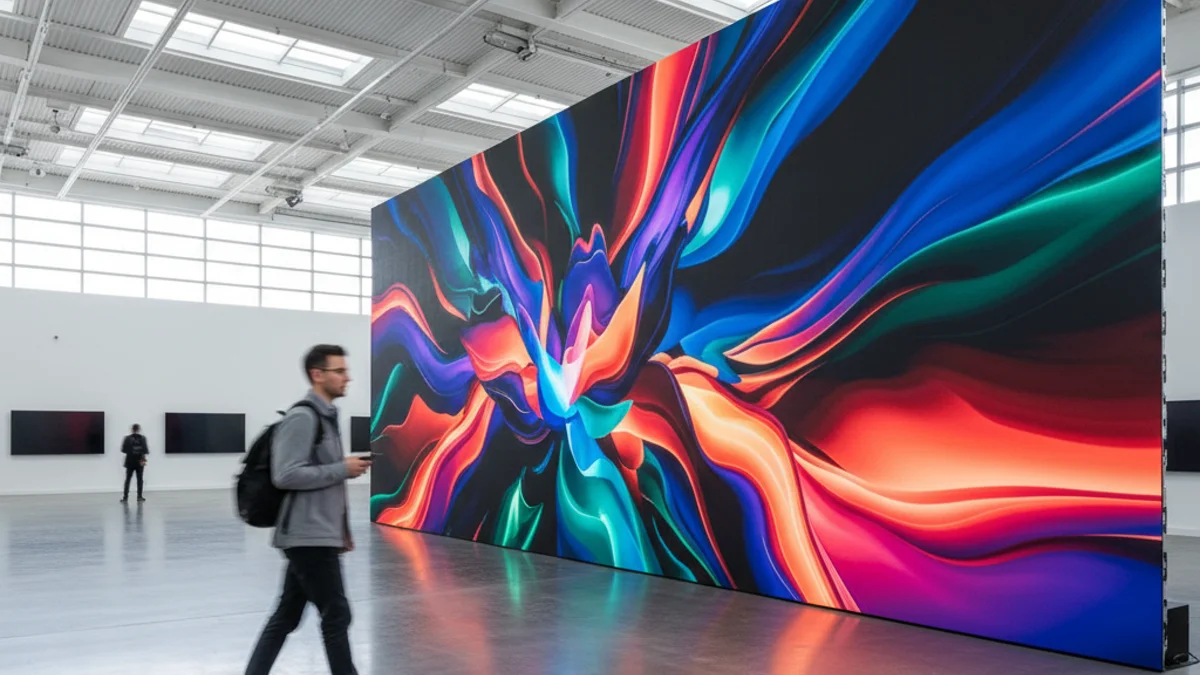
Indoor and outdoor are different design problems. An indoor exhibition wall is viewed at 1–3 m, so fine pitch holds detail and shorter, quieter loops work; a bright outdoor screen viewed from a distance needs high brightness, high contrast and a message that reads at speed. Text that works on a fine-pitch indoor wall becomes unreadable when burned onto a bright outdoor display seen from a moving crowd.
The same discipline applies to the screen’s placement. A display mounted above eye level catches sightlines across a hall; one at floor level competes with legs and furniture. On an exhibition stand, build the screen into the story the way our brand activation LED walls guide sets out — the screen is a surface for a message, not the message itself. For events where the crowd stands and mingles, the framing in our notes on LED screens for networking events is the same: place the wall where people naturally look, and let the content hold the room.
Real-time, data-driven and interactive content
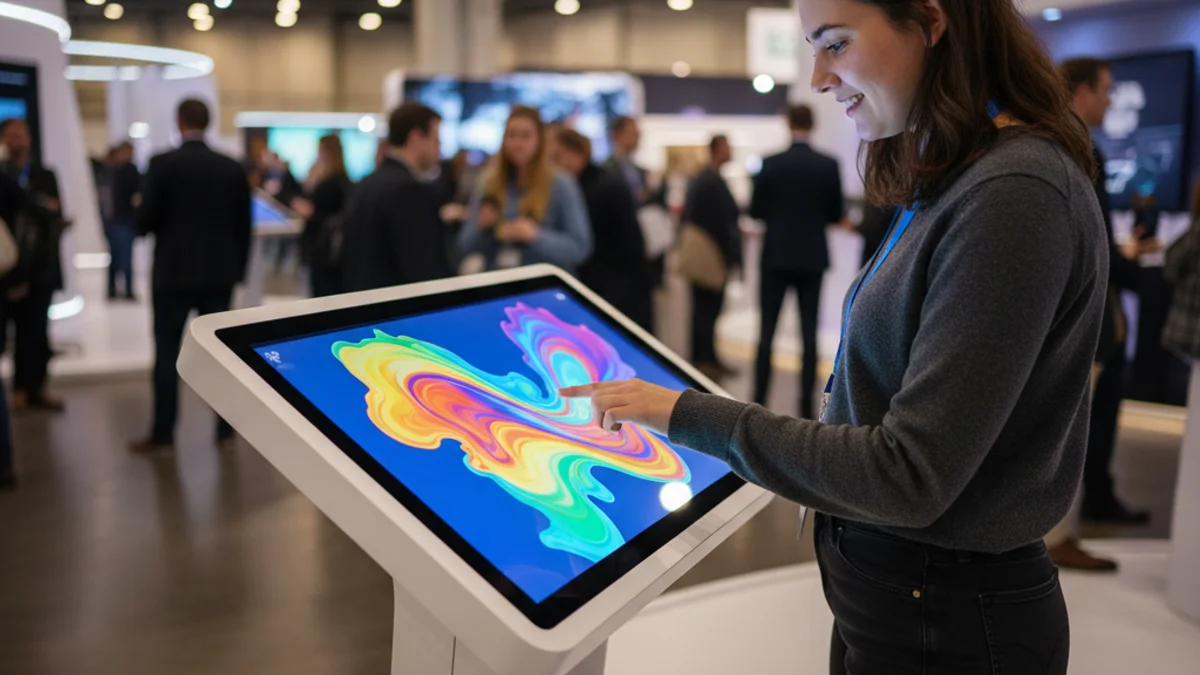
The advantage digital holds over print is that content can respond. Real-time updates let a screen show a live score, a countdown, a social feed or a schedule that changes during the day. Interactive configurations let a visitor drive a product view from a touchscreen and send the result to their phone. Data-driven content — pulling a price, a number or a location into the creative automatically — keeps a multi-city campaign accurate without redesigning art for every market. None of it needs to be complicated; it needs to be useful to the person standing in front of the screen.
Measuring what matters
Analytics on a digital display can report impressions, engagement and demographics, and the temptation is to chase the numbers that look good in a deck. At an event, the metrics worth watching are the ones tied to a goal: dwell time in front of the screen, scans from a QR or interactive element, footfall through a zone, or leads captured at the stand. If a screen has no measurable job, it is decoration — useful for atmosphere, but not something to justify with a chart. Set the goal first, then decide what the screen has to do to hit it.
What the venue adds
In France, the display side is the simple part; the venue paperwork is where events slow down. Stand plans, electrical load and rigging details go to the régie technique weeks ahead, and LED cabinets and rigging hardware need documented M1 or B-s1,d0 reaction-to-fire classification. Power is metered and ordered, never bundled into the room rate, and a wall that draws continuous load has to fit the supply the venue agrees to. Time spent on the technical file is time the content does not get — so lock the technicals early and spend the runway on the creative.
Frequently asked questions
How many words should a digital screen carry?
Seven or fewer for a fast read. If the message needs more, split it across frames in a loop rather than crowding one frame.
Does animation always beat a static image?
Movement draws the eye faster, so short, simple animation usually wins on a busy floor. But over-long or over-detailed motion loses the message, so keep each segment short and single-idea.
Can content be changed during the event?
Yes, that is the point of digital signage. Scheduled and remotely managed content can swap between sessions, react to a live result, or update a stand message in real time.
Tell us the event, the venue and how long a viewer actually gets with the screen, and we will match the display and the content to the room. Explore our LED rental for experiential marketing, or request a quote with your brief and we will come back with a concrete setup.