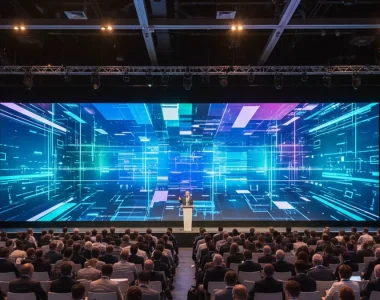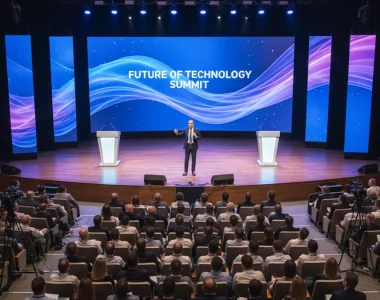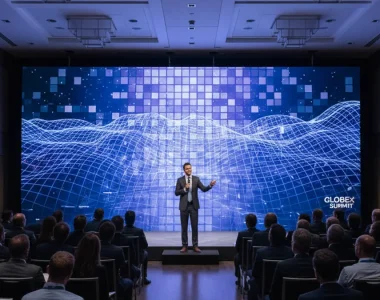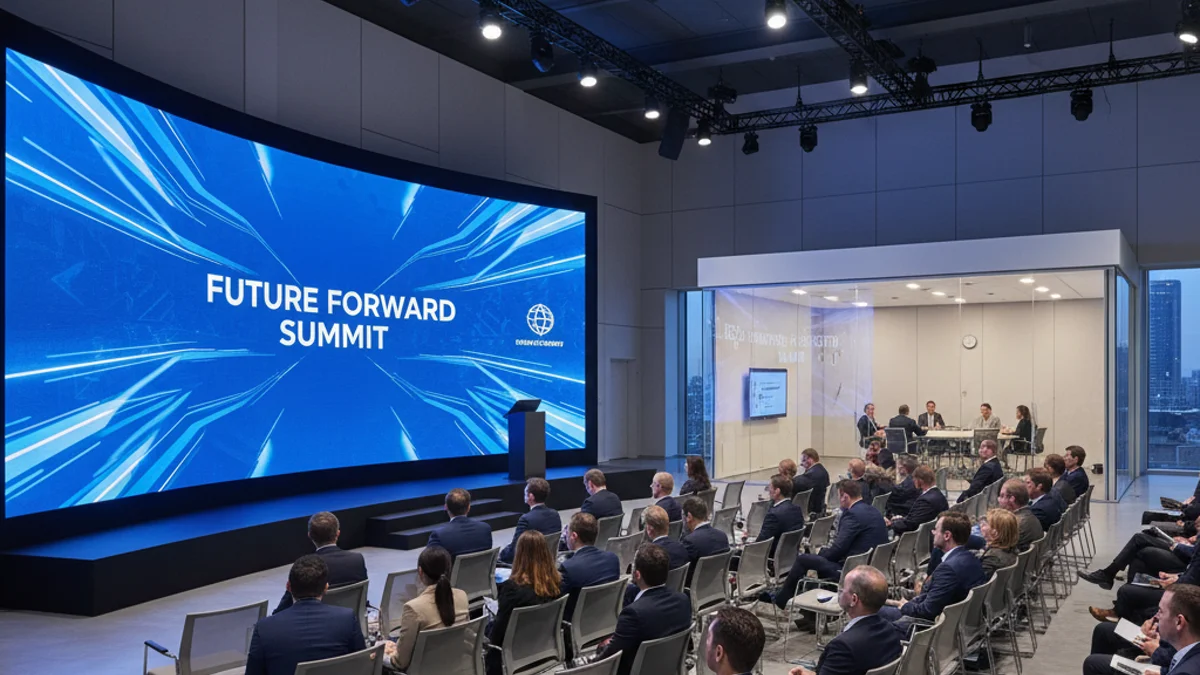
A multi-room event fails in the seams, not in the rooms. Each room can look fine on its own and still produce the classic breakdown: the keynote is not reaching the overflow room, the audio in the breakout is a beat behind the picture, or the transition between sessions stalls while someone runs down a corridor with a laptop. The cause is almost always the same — the rooms were built as separate islands. The fix is a control layer that treats the whole venue as one system. For a conference with a main hall, breakouts and overflow space, conference event management in Paris is where that layer is designed. This is how centralised AV control works and what it changes.
What centralised control actually means
Centralised AV control means routing audio and video for many rooms from one point, instead of running each room as its own isolated rig. A single operator, or a small team, can send any source — a presenter’s laptop, a camera feed, a media player — to any destination: the main LED wall, a breakout screen, an overflow projector, a streaming encoder. The rooms stop being separate and become one system with shared sources and shared control.
Two layers make that work. The control layer is the processor and the user interfaces; it decides what happens. The signal layer is how the audio and video travel from source to destination; it carries what happens.
The control layer
A control processor — a box running the show — receives commands and drives the equipment: powering displays, switching sources, setting levels, triggering the LED wall’s scenes. Interfaces range from a touch panel in a control room to a simple button panel in a breakout, or an app on a tablet. The design rule is to match the interface to the user: rich, detailed control for the technical team, and a dead-simple panel for a presenter who only needs to switch between their laptop and a video. An over-built interface in a breakout room creates its own support calls.
The signal layer: matrix and AV over IP
Getting signals to the right rooms is the harder engineering. Two approaches dominate.
| Approach | How it works | Best for |
|---|---|---|
| Matrix switcher | Any input routed to any combination of outputs over dedicated cabling | Fixed venues, a known set of rooms and sources |
| AV over IP | Audio and video sent as packets over a standard network; each room is an endpoint | Flexible, large or changing layouts; easy to scale |
| Hybrid | A matrix for the critical paths, IP for extension and overflow | Main stage stays hardwired, the rest stays flexible |
AV over IP is the one that changes event production. Adding a room becomes a matter of connecting an endpoint to a switch and configuring it in software, not pulling another dedicated cable. That flexibility is exactly what a conference with last-minute room changes needs. For a multi-room corporate programme, our overview of AV for corporate events and conferences covers how the display and control choices fit together.
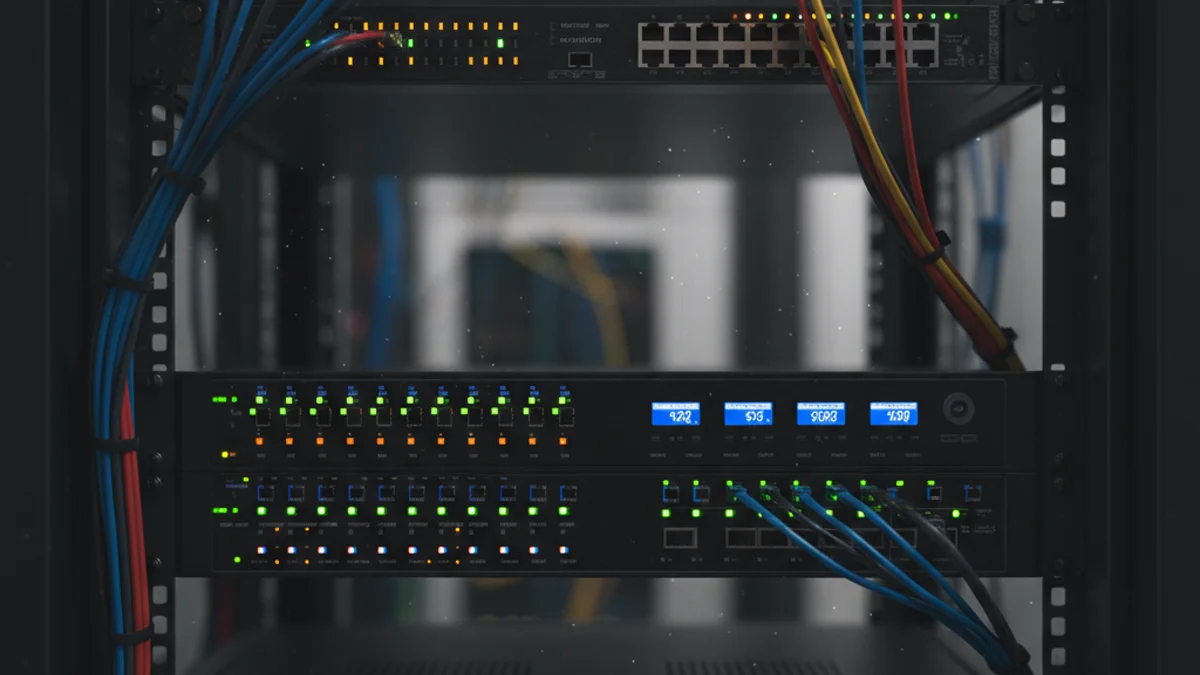
The network is an AV system now
Once video runs over IP, the network is the backbone and has to be treated like production infrastructure, not office plumbing.
- Bandwidth: 4K streams consume serious throughput; size the links, not the switches’ sticker speed.
- Switches: managed switches with the features AV needs — quality of service to prioritise video, and PoE where endpoints draw power.
- Segmentation: put AV traffic on its own VLAN so office or guest traffic cannot starve it.
- Cabling: good cable properly terminated back to the control point; a weak run shows up as dropouts, not a clean failure.
Underestimating the network is the single most common cause of a system that tests fine and then stutters under load. Symptoms of a starved network are dropouts, pixelation, lag and the occasional total loss of signal — all of which surface first in the room the client is watching.
Designing the system: the critical path first
Design starts with what must not fail. Identify the critical path — usually the main stage feed — and hardwire it, with redundancy or failover where the budget allows. Then design the flexible paths around it. Work through four questions for every room: what content plays, who presents and on what device, how much audio reinforcement is needed, and who needs control. Add the shared-content cases: a keynote streamed to overflow, a breakout feed pulled to the foyer, an accessible feed to a hearing loop or assistive listening system. Capture all of it before any equipment is ordered, because the signal design follows from it.
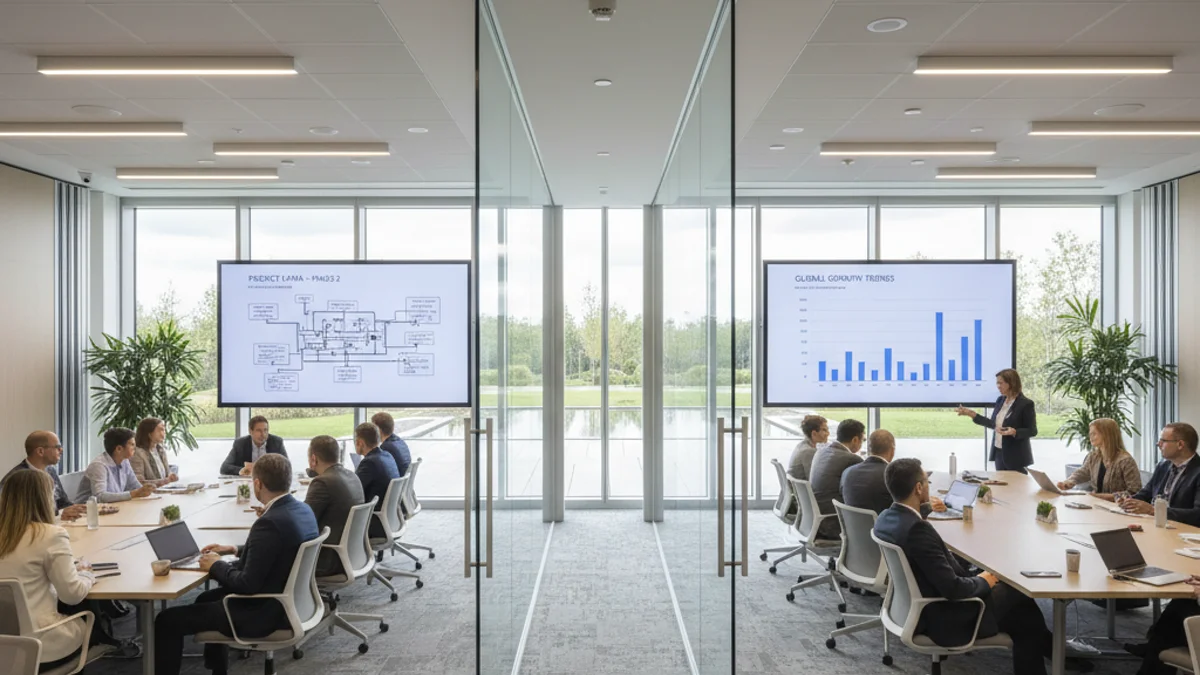
Where LED fits in a controlled venue
On the display side, the main hall is increasingly an LED wall rather than a projection screen, because a wall emits its own light and holds up under bright stage lighting. The wall runs from a media server and a processor, and in a centralised system those sit on the same control layer as everything else: the operator switches the wall’s source from the same panel that routes the breakout feed. Sizing and pitch follow the geometry of the room — the nearest viewer sets the pitch, the farthest viewer sets the legibility target — and the content has to be built to the wall’s native canvas. For events that extend to remote audiences, the same control layer manages the in-room cameras and microphones feeding the stream; our look at hybrid event production in Paris covers how the room and the platform are kept in sync.
Commissioning checklist
- Confirm signal flow from every source to every destination in every room configuration.
- Test every control function: source switching, display power, levels, LED scenes.
- Check audio clarity and levels in each room; hunt feedback and distortion.
- Verify video quality on every display, including the LED wall’s test pattern.
- Simulate real transitions: slides to video, a panel discussion, a remote presenter joining.
- Test failover on the critical path if redundancy is in scope.
- Brief presenters on the simple room controls, and keep the full control with the technical team.
Centralised AV is the same logic that governs the rest of the venue: one system, one source of truth, one layer of control. Wayfinding and signage across the building can sit on that same layer too — see digital signage and display rental for how those screens are fed. When the room list is drawn, request a quote and we will design the control and signal layers around it.
Frequently asked questions
What is the main advantage of centralised AV control?
One team controls every room from one point, which keeps the experience consistent and cuts the crew needed per room. Changes and troubleshooting happen centrally instead of room by room.
Can different rooms show different content at once?
Yes. A matrix switcher or AV-over-IP system routes any source to any destination independently. The main hall can run the keynote while a breakout shows local slides and the foyer loops sponsor content.
Is centralised control only for hybrid events?
No, it suits any multi-room event, but it is especially useful for hybrid ones, where in-room cameras and microphones feed a stream and remote presenter feeds return to the room displays.
What breaks a networked AV system?
Almost always the network. Unmanaged switches, insufficient bandwidth or shared VLANs produce dropouts and lag. AV traffic belongs on a managed, segmented network with quality of service.
A coupling fault in one room should never take down the event. Build the control layer once, on a planned network, and the rooms stop being a relay race. Request a quote with your room list and we will map the system.