
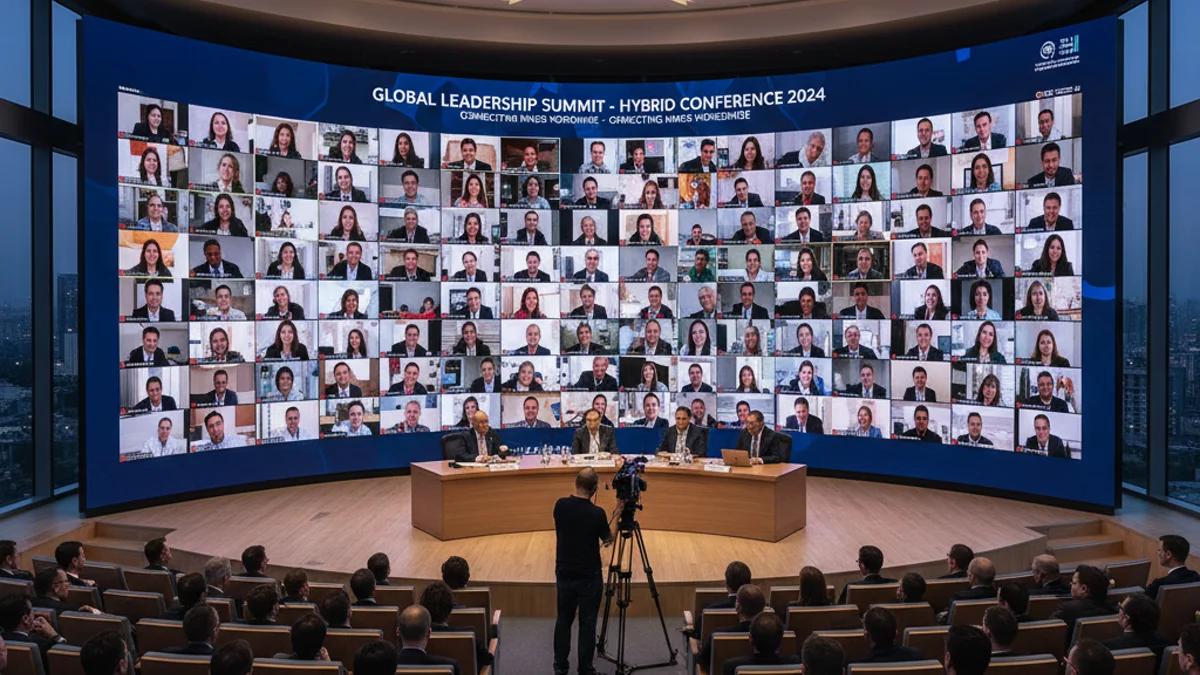
Booking a conference room in Paris is the easy part. Making the same session look identical on a 9-metre LED backdrop in La Défense and on a laptop in Lyon is where hybrid projects stall. It is reconciling a presenter’s slide deck, a gallery of remote speakers, a bilingual French/English programme, and an in-room audience on one canvas without the camera catching a moiré pattern or a blown-out logo.
Pairing an LED wall with proper hybrid event production in Paris means the on-site display, the conferencing platform and the audio feed are specified by one team, not three.
Why an LED Wall Beats a Projector for Video Conferencing
A 16:9 projector screen needs the room dark, washes out under house lights, and puts a visible hot spot behind any speaker who walks the stage. Each pixel of an LED wall produces its own light, so the image holds at 3,000–5,000 nits under full conference lighting.
LED walls refresh at 3,840 Hz and above, which removes the rolling bands a 50 Hz or 60 Hz camera shutter would otherwise capture. They also carry a true-black background, so a remote speaker’s upper body composites cleanly against the wall rather than floating over a grey rectangle.
Choosing the Right LED Display for a Conference Room
Four variables decide whether the wall helps the session or fights it.
Screen Size and Pixel Pitch
The rule of thumb is that pixel pitch in millimetres should be roughly the nearest viewing distance in metres divided by three. A 500-seat plenary with a front row at 4 m calls for a 3.9 mm pitch or finer; a 12 m hotel ballroom where the nearest seat is 8 m can run 6 mm and save budget. Pixel pitch is simply the centre-to-centre distance between pixels — smaller pitch, more LEDs per square metre, sharper image and a higher hire price.
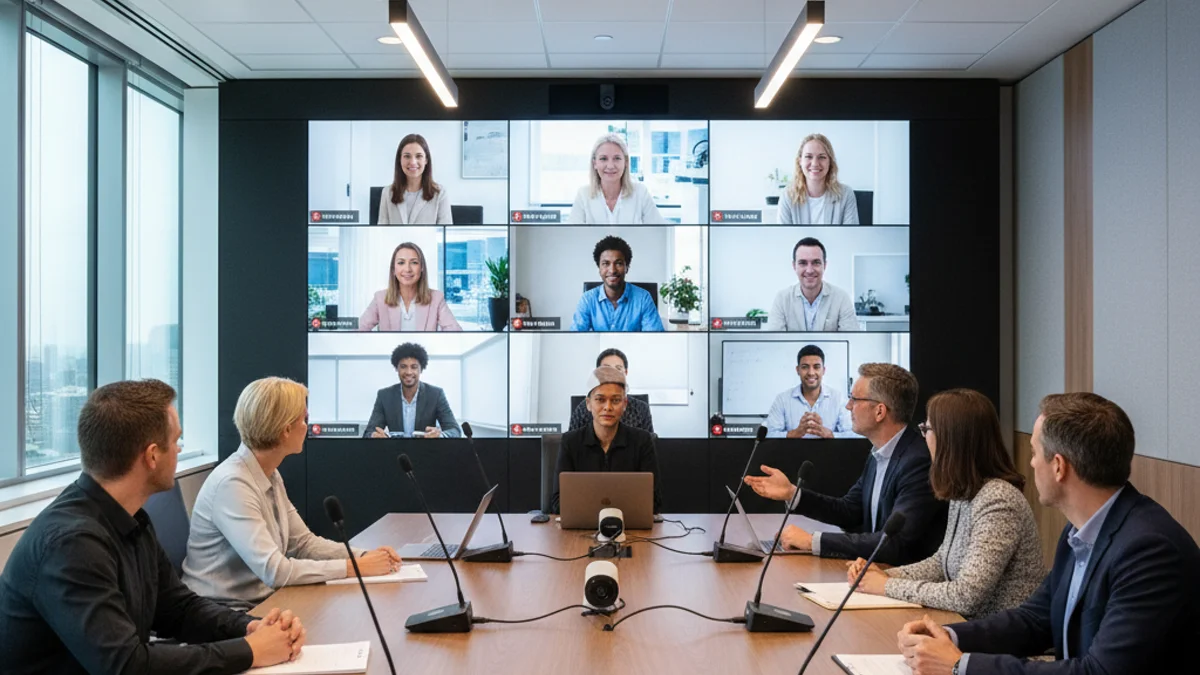
Keep the wall inside the camera frame. A wall wider than the shot crops the edges of your graphics, and a wall taller than the presenter makes the speaker look small. Match the aspect ratio to the conferencing layout (16:9 for a single gallery, 32:9 for a side-by-side “presenter plus slides” arrangement). See our guide to LED resolution and pixel pitch for conference stages.
Single or Dual Displays
A single wall suits a straight keynote where one image holds attention. A dual layout — a wide wall split into two 16:9 canvases — wins when you run slides on one half and the remote gallery on the other.
Mounting Height
Centre the main content at eye level for the seated audience, roughly 1.2–1.4 m from the floor to the middle of the image in a flat-floor room. In a raked auditorium, raise it so sightlines clear the heads in front.
Audio Quality
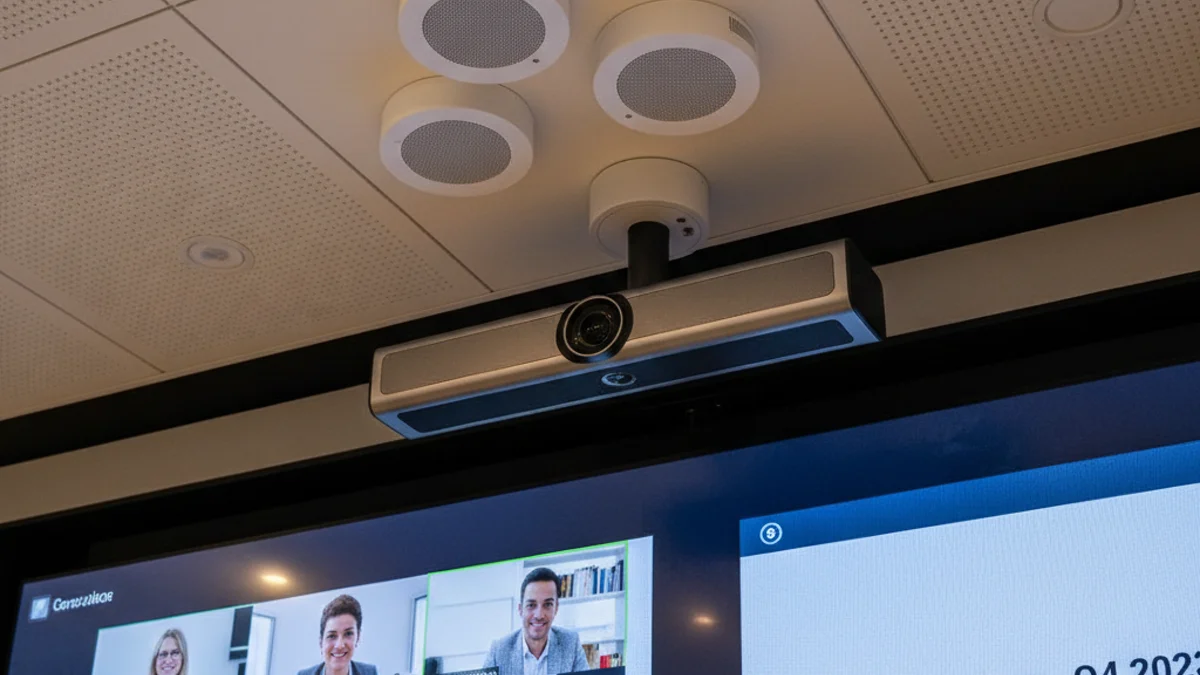
A dropped syllable from a remote presenter, or a feedback loop between the in-room PA and the conferencing bridge, loses the room. Run audio over a single AES67 or Dante network so the conference codec, the PA and the recording feed share one clock.
LED Wall vs Projector vs LCD Video Wall for Hybrid Conferences
| Option | Best for | Light tolerance | Typical relative cost |
|---|---|---|---|
| LED wall (2.6–3.9 mm) | Plenary stages, on-camera backdrops, large rooms | Excellent — holds at 3,000+ nits | High, scales with area and pitch |
| LED wall (4.8–6 mm) | Ballrooms, mid-size conferences, budget plenaries | Very good | Moderate |
| Front projection | Dark rooms, one-off screenings, tight budgets | Poor — needs low ambient light | Low hardware, high staging/blackout cost |
| LCD video wall (0.9–1.8 mm) | Boardrooms, control rooms, permanent installs | Good, but visible bezels | High per panel; awkward to tour |
For a touring hybrid conference the LED wall almost always wins: it ships in flight cases, tiles to any footprint, and needs no blackout.
Worked Example: Specifying a Wall for a 500-Seat Plenary
Take a Paris congress hall with a flat floor, a stage 0.6 m high, and a front row 4 m from the screen. The organiser wants a main wall plus a remote-speaker gallery and a bilingual caption strip.
- Main wall: 8 m wide × 4.5 m high = 36 m², at 3.9 mm pitch. That is roughly 2,050 × 1,150 pixels — a clean fit inside a 4K processing canvas.
- Power: LED walls draw roughly 300–500 W/m² at typical content and more on white. Budget about 18 kW peak for 36 m², which lands on a three-phase 400 V supply with its own breaker, not a shared 16 A socket.
- Gallery: a separate 4 m × 2.25 m wall (or a second canvas on the main wall) showing six remote speakers at 16:9 each.
- Processing: one 4K video processor with a screen-management layer, plus a redundant signal path so a failed cable does not black the wall mid-keynote.
- Audio: shared AES67/Dante network between the PA, the conferencing codec and the recording feed.
Each number has to be agreed before the venue’s technical rider is signed: the electrical supply, the rigging points and the load-in window are all fixed by the building.
What Drives the Invoice Beyond the Hardware
The wall panel is the visible cost; the labour and logistics usually decide the final quote. Ask any vendor to break the estimate into these lines before you compare:
- Processing and switching — a 4K processor, scaler and redundancy are separate line items, not bundled with the panels.
- Rigging — flown walls need certified truss, motors and a rigger. In France the labour jurisdiction and venue rules decide who can touch the points.
- Technical labour — build, technical rehearsal and de-rig. A hybrid event needs a rehearsal with the remote speakers, billed as crew time.
- Power distribution — three-phase supply, distro and cabling to the wall, especially in heritage venues with limited outlets.
- Platform integration — bridging the conferencing platform, captions and the return audio feed is skilled work, not a plug-in.
- Content and playback — media servers, playout and a confident operator who can switch layouts live.
For virtual-only sessions, the same logic applies to the platform layer — see our guide to virtual event production.
Where the LED wall also doubles as a branded environment — sponsor loops, immersive walk-throughs, activation zones — the design brief widens. Our notes on immersive AV experiences for trade shows cover how a single wall can serve both a live stage and a camera-heavy feed.
Your Hybrid Conference AV Checklist
- 90 days out — confirm room dimensions, ceiling height, rigging points and the venue’s technical rider. Fix the aspect ratio for the wall.
- 60 days out — agree pixel pitch from the nearest viewing distance. Lock the electrical supply (three-phase where the wall is large).
- 45 days out — define the conferencing layout: single canvas or dual, gallery size, caption position, bilingual feeds.
- 30 days out — test the audio network end to end. Walk the room with a camera to check refresh rate and moiré.
- 14 days out — run a content check: fonts at distance, logo blacks, motion graphics at the wall’s true resolution.
- Move-in day — build the wall, then run a full technical rehearsal with a remote speaker online, not a stand-in.
- Show day — keep a redundant signal path live and one operator dedicated to layout switching and caption timing.
- De-rig — confirm the load-out window and packing before the venue’s labour clock starts billing overtime.
Frequently Asked Questions
How big should an LED screen be for a video conference?
Size it from the back of the room, not the stage. Match pixel pitch to the nearest viewing distance (roughly pitch in mm equal to nearest distance in metres divided by three), and keep the wall inside the camera frame so your graphics and remote gallery both stay in shot.
What pixel pitch is best for a conference room LED display?
For a room where the front row sits within 4 m, choose 2.6–3.9 mm. For ballrooms and larger halls where the nearest seat is 6 m or more, 4.8–6 mm is adequate and significantly cheaper to hire.
Can I use one LED wall for both the live audience and the remote speakers?
Yes. A wide wall can be split into a main canvas and a gallery canvas, or run as a single layout with the gallery inset. Decide the split at the design stage, because it affects the processor and the content template, not just the panel count.
Do LED walls work under conference lighting?
They do — that is their main advantage over projection. Self-emissive panels stay legible at several thousand nits, so house lights can stay up for the audience and the on-stage presenter without washing out the image on camera.
Why does audio matter so much for hybrid events?
Remote attendees tolerate a soft image but not a dropped syllable. Run the PA, the conferencing codec and the recording feed over one clocked audio network so nobody hears an echo, a latency gap or a feedback loop between the room and the bridge.
How far in advance should I book a hybrid conference AV package?
Start 90 days out for a large plenary. Pixel pitch, electrical supply and rigging all need venue sign-off, and a hybrid session needs a rehearsal with a live remote speaker — so leave room for crew time before the show day.
Planning an LED Wall for Your Next Hybrid Conference
If you are still assembling the signal chain, our breakdown of AV equipment for conferences and seminars maps the full kit list.
We spec, supply and crew LED walls for conferences, plenaries and LED screen rental for conference events across France. Tell us the room, the seat count and the conferencing platform, and we will size the wall and the audio feed around them. Request a quote and we will come back with a real estimate, not a range.
Written by the Paris Video Wall Technical Production Team — event AV and LED display specialists supplying conferences and hybrid productions across France.
